 User Help Manual
  Learn FAQ
  Send us feedback


Video Editor
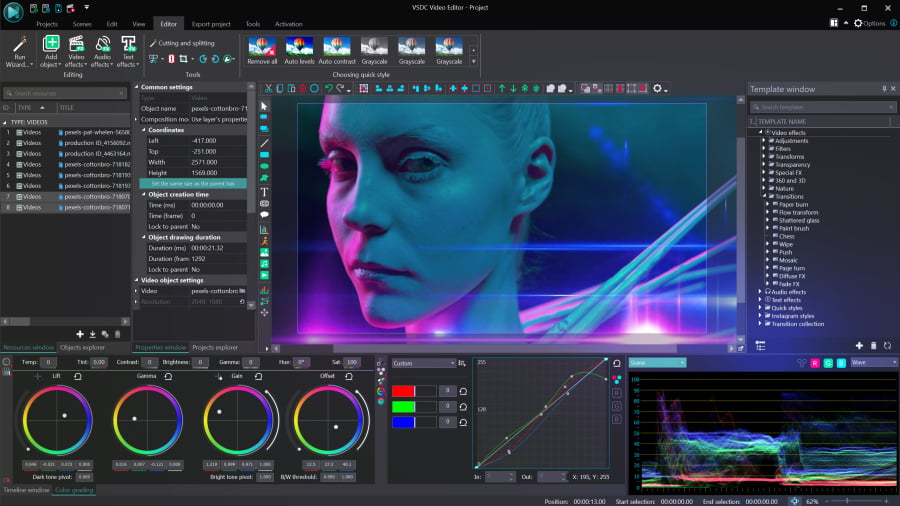
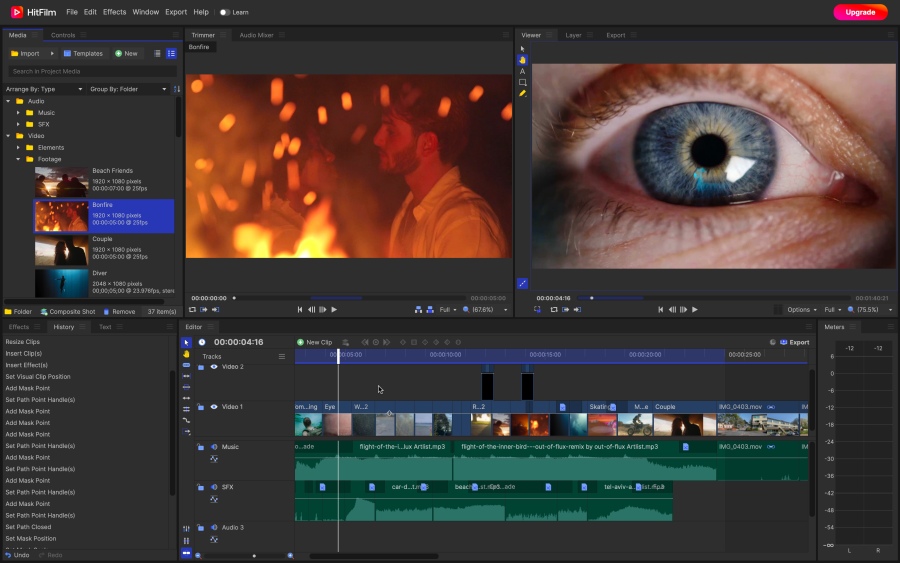
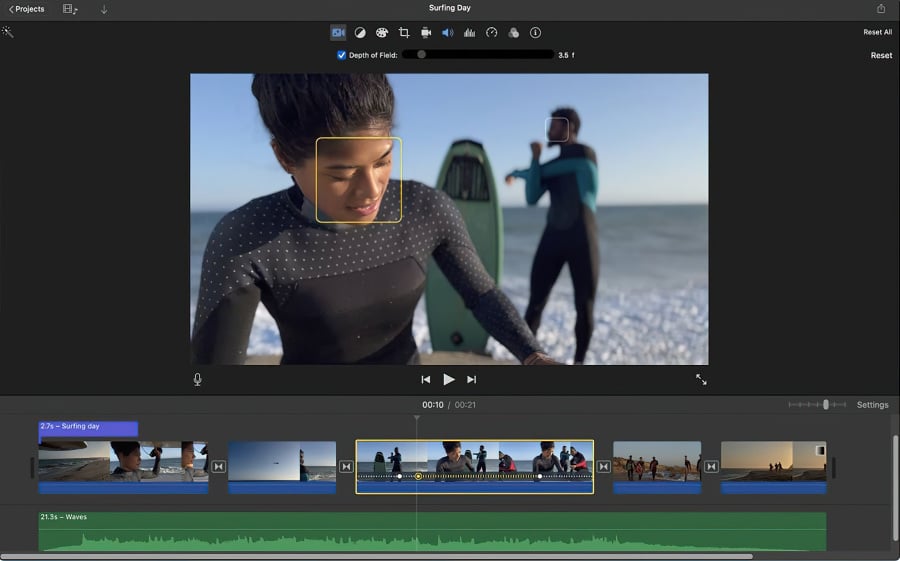
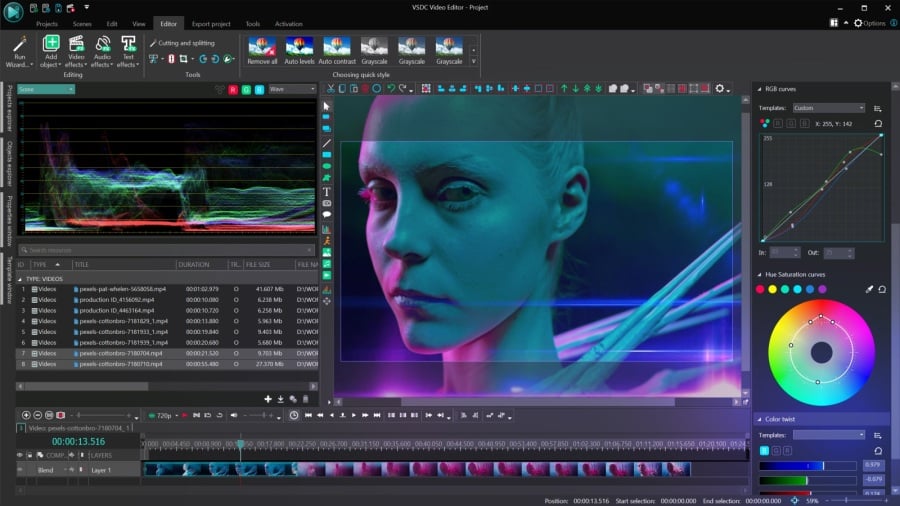
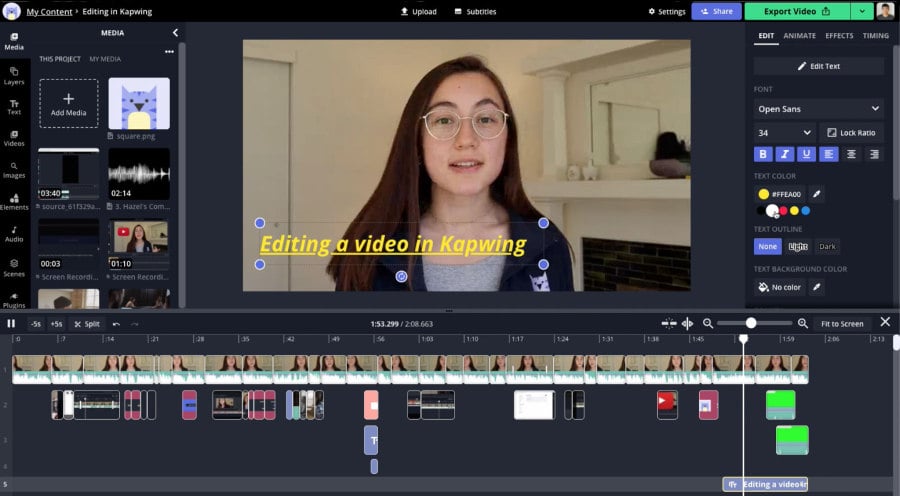
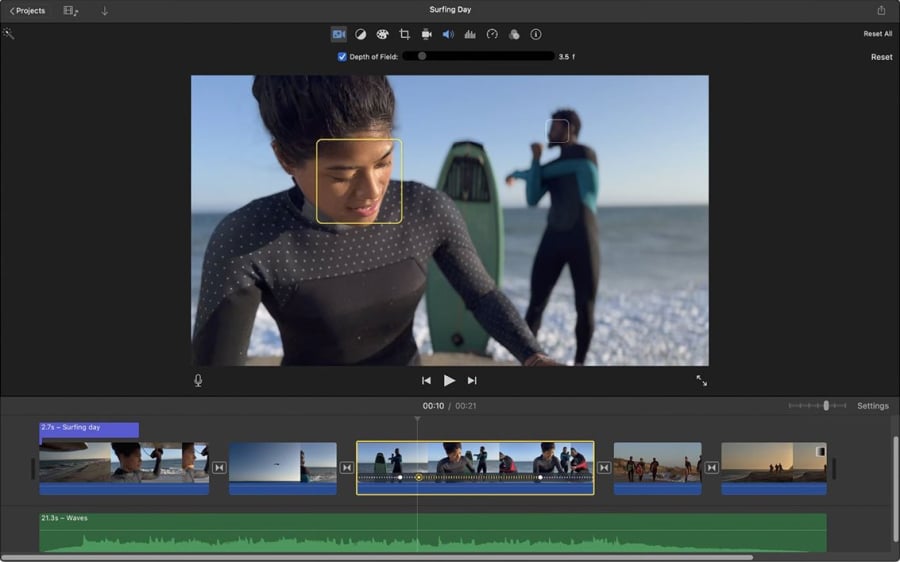
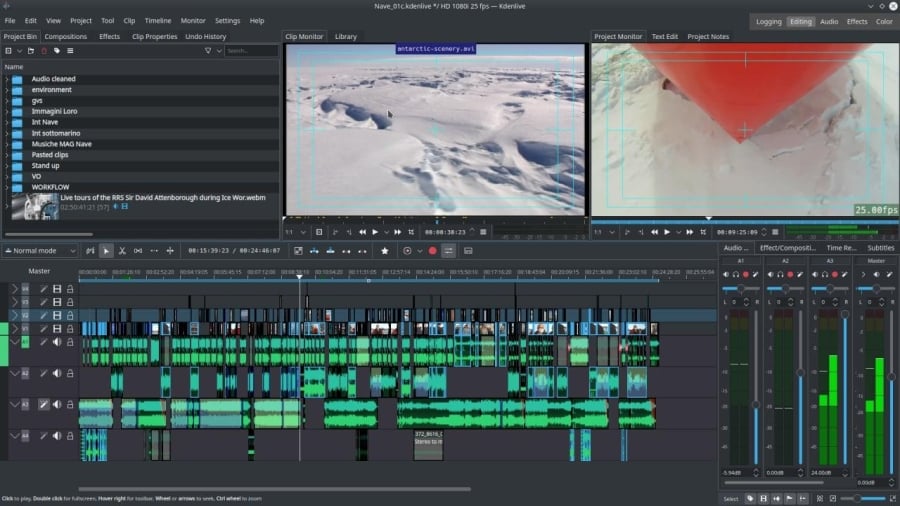
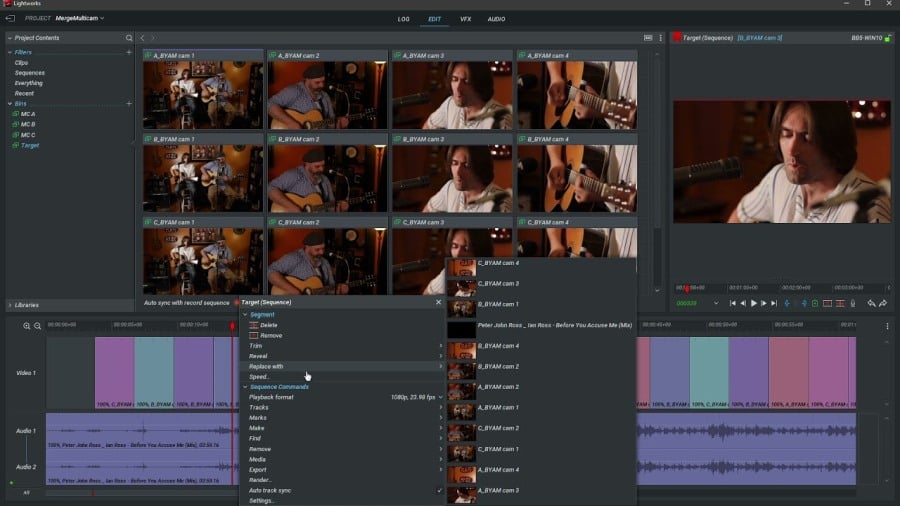
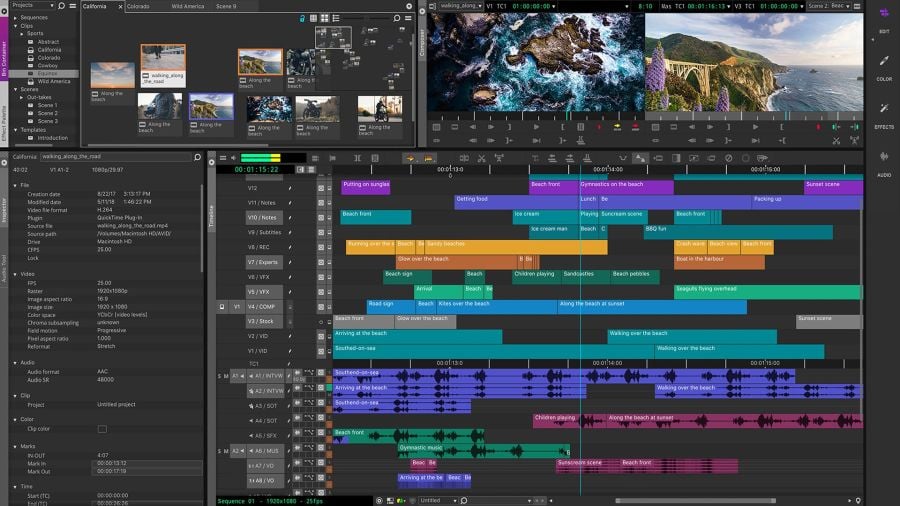
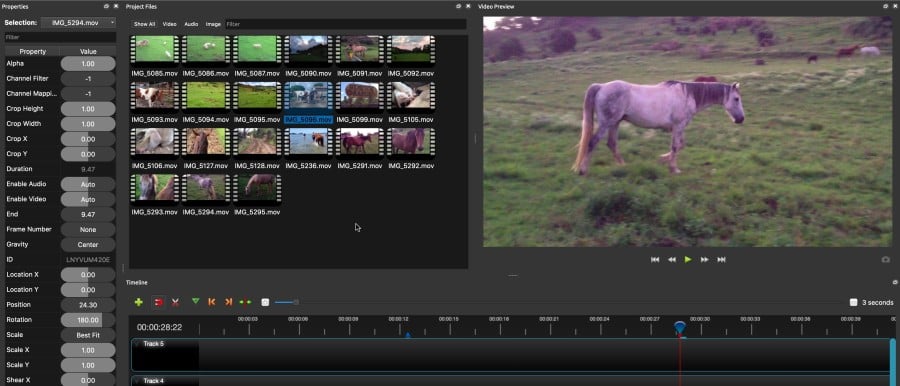
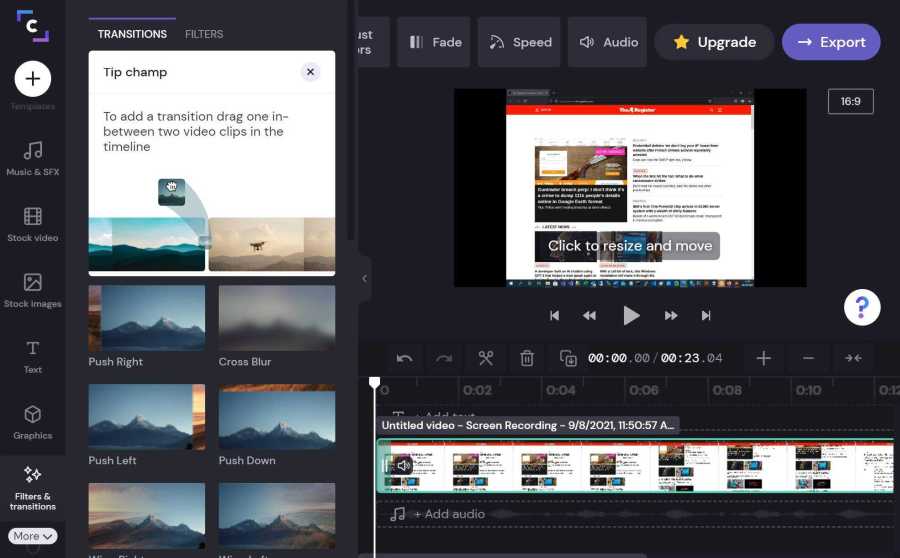
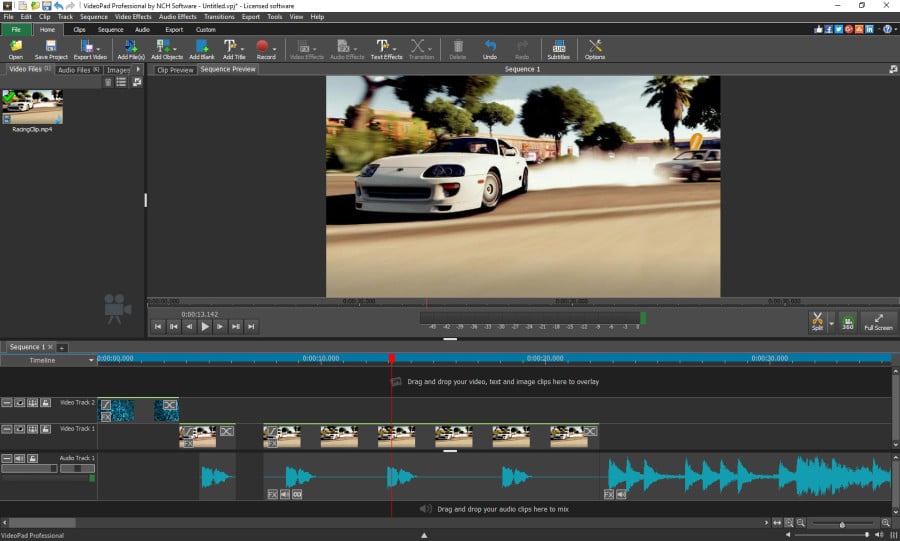
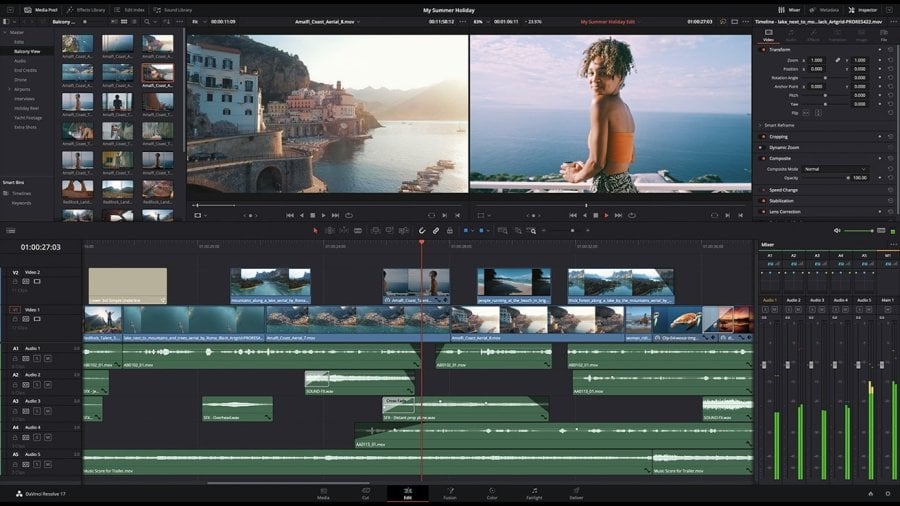
Download and use the free video software to create and edit videos of any complexity from a family greeting card to a company presentation. Apply vsdc free video editor for light edit hdr-video, any raw-video formats from cams - BRAW, ProRes RAW, any high resolution 4k or more due to video proxies technologies in the editor.
Cut, merge video files, apply visual and audio effects, use filtration and image correction, make slideshows and add an appropriate soundtrack. Use multi-color Chroma Key and advanced parameters settings to give your video a professional look.
All popular video and audio formats are supported.
Video Converter
This program is intended for converting video files from one format to another. Nearly all popular video formats are supported (both reading and saving). In addition, the program drastically simplifies the task of converting videos for playback on specific multimedia devices, such as iPhone, Samsung Galaxy or Huawei P30 Pro. The program is extremely easy to use, has a modern interface and all necessary video processing functions.
Audio Converter
The audio converter will help you convert audio files from one format to another. All key audio formats and codecs are supported. The program also allows you to manage playlists and meta tags, extract audio from video files and save these tracks on your computer in any format.
Animated Intro & Title Templates
Explore the VSDC Template Store with ready-made video templates for intros, animated titles, lower thirds, logo reveals, slideshows, glitch transitions, LUTs, and color grading presets. Drop a template into the VSDC Video Editor timeline, edit text, timing, and colors, and finish professional video projects in minutes.
Choose from 300+ exclusive packs of video transitions, LUT packs, text effects, GPS telemetry widgets, animated elements, and animated backgrounds for VSDC. All templates are fully customizable, support up to 4K resolution in 16:9, and help you build intros, wedding slideshows, travel videos, and tutorials much faster.
VSDC Cloud - Online video management
Keep your work safe, organized and always accessible! Back up your video projects, store media files online and access them from any device. Enjoy collaboration, share project updates and exchange files easily.
 Video Editor
 Video Converter
 Audio Tools
 Templates store
 Cloud
Cloud

Multifunctionality
A wide array of multimedia processing tools in one free video software suite.

High speed
Our programs use fast
and high-quality algorithms optimized for single and multi-core CPU’s.

Affordability
VSDC video software is freely available for download to Windows OS-based PCs and laptops.
News:
- Published by Amy Shao on June 30, 2026 Meet the new major update ...
- Published by Amy Shao on March 11, 2026 What is the best gift for...
- published Amy Shao 11/19/25 Meet the long-awaited VSDC 10.2 update: a new ve...
- Hi, I'm Mattea Wharton, a travel videographer from Seattle. For three years I ba...
VSDC 8.2 – Proxy File Support, Color Keyframes and Vectorscope
We are thrilled to unveil the highly anticipated VSDC video editor 8.2 update. Our team has been hard at work, ensuring that this release is packed with exciting features and enhancements to elevate your editing experience.
Meet VSDC 8.2: Proxy file support, color keyframes, vectorscope, and more
The highlights of the new version are Vectorscope, proxy file support, and color keyframes.
Let’s explore each part of this update in more detail.
Color keyframes
Starting version 8.2, VSDC includes a new feature for color correction that allows you to assign colors to created keyframes when working with effects that have a color parameter. Once you apply an effect to an object on the scene, you can add keyframes on the timeline and assign colors to them. The algorithm will then automatically calculate the linear color gradient, ensuring smooth transitions between colors or from one keyframe to another.
Proxy file support
Proxy file support has been added to VSDC, providing improved software performance and smoother editing. This feature benefits all video creators, but especially those working on low-end PCs or editing high-resolution files. With proxy support, you can now create lightweight proxy media copies of your high-resolution videos, which are used during the editing process. This means that all effects and edits are applied to a lighter-weight file, preventing processor overload and software lag. However, when it comes time to export your project, the effects and edits are seamlessly applied to the original high-resolution video.
Resource and effects preview
In the new version, you have the ability to preview resources and effects directly within the Source window. This feature enables you to see how templates and effects will appear on your objects before applying them, helping you choose the ideal effect for your project. Furthermore, you can conveniently preview all available resources in the Source window, allowing you to easily select the required file from a variety of uploaded resources.
Vectorscope histogram
We are excited to introduce a new tool called Vectorscope, which is now available in the Scopes window. The Vectorscope is a circular diagram specifically designed for analyzing color, hue, and saturation levels in an image. Using the radius line of the vectorscope, you can easily adjust the hues that are most appropriate for skin tones. This allows for precise color correction and ensures that the skin tones in your video or image are accurate and natural-looking.
Dedicated audio playback volume window
We have enhanced the timeline functionality by introducing a dedicated audio playback volume window. This improvement enables you to monitor the changes in sound in real time after applying effects and compare them with other audio files. The tool proves to be immensely helpful in monitoring the volume level within your project and achieving the desired outcome.
Text stretching between two curves
In the latest revision, we have introduced an update to the text functionality, expanding its capabilities. Now, in addition to aligning text to a single curve line, you can stretch text between two curve lines. This new feature provides you with complete control over shaping your designs and enables you to create distinct logos, banners, or titles.
Updated Perspective effect
In the updated Perspective effect you can bind your image to tracking points, animate them to create dynamic visual compositions, distortions and transformations.
Audio spectrum object now includes an “echo” parameter
Audio spectrum received a new parameter which helps create an echo effect on the audio wave enhancing the visualization of the sound.
Updated Water effect
This effect has been well known since the first versions of VSDC. Now, in addition to creating raindrops on an image, you can simulate a realistic wave using tracking points.
10-bit compression in AVC and HEVC codecs added
Updated AVC and HEVC codecs now support 10-bit compression. This enhancement brings significant improvements to the color rendition of exported projects, resulting in higher-quality videos.
Parameters can now be edited along either the X or the Y axis independently
Independent editing of parameters along the X and Y axis is an important improvement. You can hold down the Shift key and work on either of the axes separately ensuring precise control over your edits.
VSDC 8.2 is already out
It’s time to download the new version and test it for yourself. VSDC 8.2 is already available on our official website, and we can’t wait to hear what you think about it.
Should you have any questions, we’ll be happy to help you via email at This email address is being protected from spambots. You need JavaScript enabled to view it. or via Facebook DM and Twitter.
Make sure to subscribe to our YouTube channel to get notified about updates!
 Download VSDC 8.2 now
 Download VSDC 8.1 now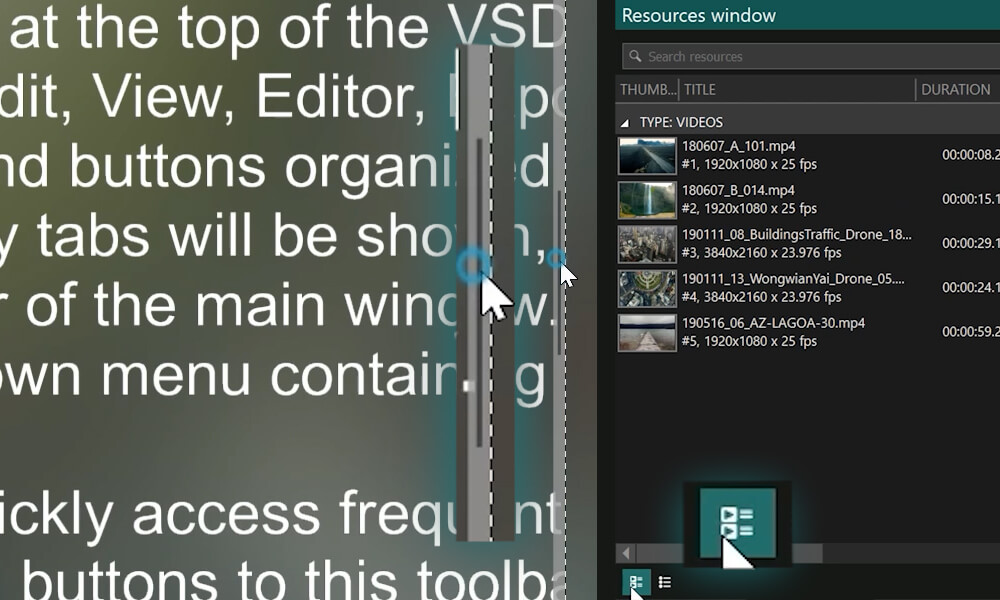


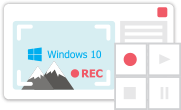
This program allows you to capture the video of your desktop and save it on your PC in various formats. Coupled with a video editor, the program is a great tool for creating presentations, tutorials and demo videos.

The program captures video from external devices and records it to computer in a free format. You can save video from video tuners, webcams, capture cards and other gadgets.
VSDC Video Editor Reviews & Ratings (Trustpilot, Capterra & Media)
VSDC Free Video Editor is rated 4.5/5 by real users on Trustpilot and Capterra. Here are a few reviews and quotes from creators and tech media.
Overall rating: 4.5/5 based on 200+ reviews on Trustpilot and 89 reviews on Capterra.
★★★★⯪
VSDC Free Video Editor is the best free video editor for Windows I’ve used, from color grading to picture-in-picture and cinematic results.
— Ejikeme Eloka Augustine
Source:Trustpilot
★★★★☆
Easy-to-use interface and quick export to social media make VSDC a versatile video editing tool for everyday projects.
— Karen C., E-Learning
Source:Capterra
★★★★☆
A feature-packed non-linear video editor for Windows that can compete with many paid video editing solutions.
— TechRadar
Source:TechRadar review
★★★★★
The free VSDC editor saved my YouTube channel – a powerful video editing software for chroma key, text effects and picture-in-picture.
— Paul Roberts
Source:Trustpilot
★★★★★
Fast and simple for YouTube videos with green screen, zoom, color tools and creative effects in one app.
— Marie R., Media Production
Source:Capterra
★★★★★
One of the best free video editor options for Windows users, ideal for GoPro, YouTube and family videos.
— VidProMom, YouTube creator
Source:Media reviews
★★★★★
I’ve been using VSDC for years; editing is easy and the final videos look great for my personal and professional projects.
— Long-time VSDC user
Source:Trustpilot
★★★★★
Great value and faster than many other free tools; I quickly create videos for YouTube, Instagram and Facebook with features my audience loves.
— Rabika B., Marketing & Advertising
Source:Capterra
★★★★★
VSDC offers many features you don’t usually find in free editors, including picture-in-picture, stabilization and modern codec support with no watermarks.
— Tech media review
Source:Media reviews
 Like us on Facebook
 Follow us on Twitter
Watch us on YouTube
 / @VSDCFreeVideoEditor
© 2011-2026, www.videosoftdev.com, FLASH-INTEGRO LLC. Privacy policy | Terms of use | About us
All trademarks referenced herein are the sole property of their respective owners.
Copying any materials from this site allowed only with written consent of Site Administration.