 User Help Manual


Editor Video
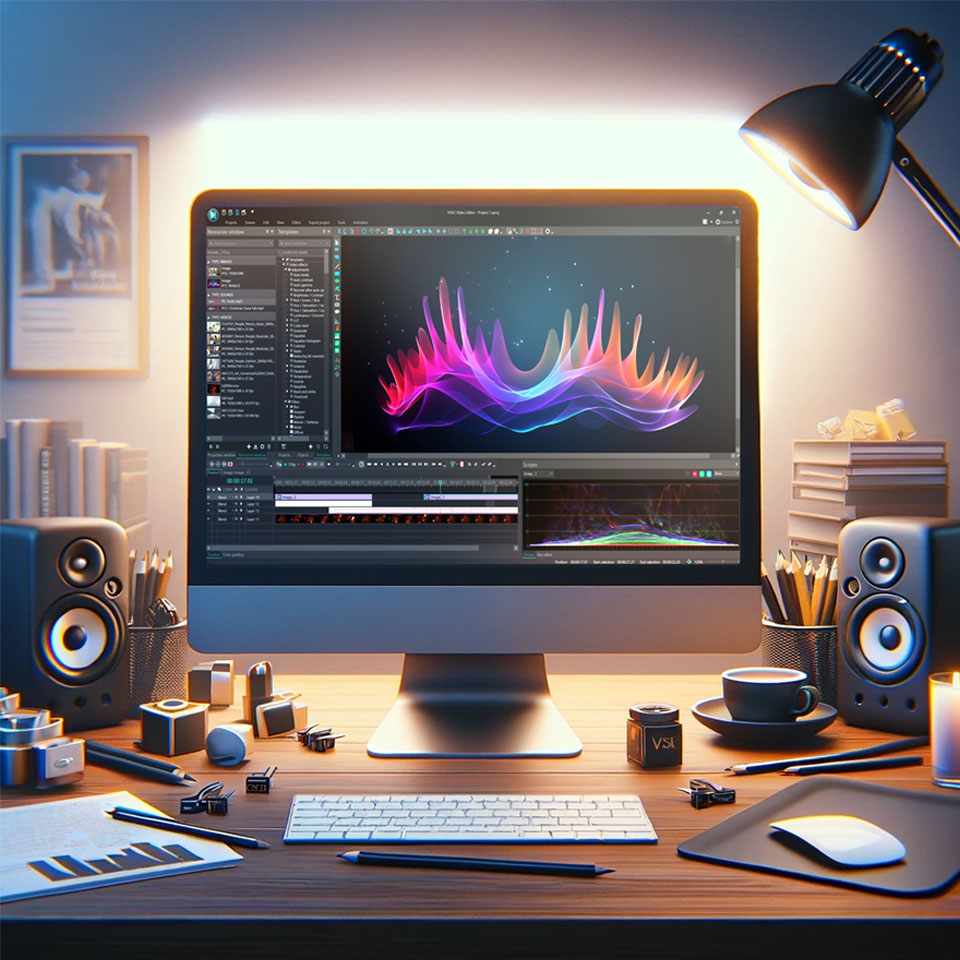
L'editor video consente di modificare file e creare video di qualsiasi complessità. Potete applicare effetti video e audio effects ad oggetti modificati, trasformarli, applicare filtri e correzioni d'immagini. Tutti i popolari formati video e audio sono supportati (sia lettura che salvataggio).
Convertitore Video
Questo programma serve a convertire video file da un formato ad un altro. Quasi tutti i popolari formati video sono supportati. Inoltre, il programma semplifica drasticamente il compito di convertire video da riprodurre su determinati dispositivi multimedia quali iPhone, Microsoft Zune oppure Archos. Il programma è semplicissimo da usare, dispone di una moderna interfaccia e di tutte le necessarie funzioni per processare i video.
Convertitore Audio
Il convertitore audio vi aiuterà a convertire file audio da un formato ad un altro. Tutti i formati audio e codec chiavi sono supportati. Il programma vi consente inoltre di gestire playlist e meta tags, di estrarre audio dai file video e di salvare queste tracce sul vostro computer in qualsiasi formato.
Animated Intro & Title Templates
Explore the VSDC Template Store with ready-made video templates for intros, animated titles, lower thirds, logo reveals, slideshows, glitch transitions, LUTs, and color grading presets. Drop a template into the VSDC Video Editor timeline, edit text, timing, and colors, and finish professional video projects in minutes.
Choose from 300+ exclusive packs of video transitions, LUT packs, text effects, GPS telemetry widgets, animated elements, and animated backgrounds for VSDC. All templates are fully customizable, support up to 4K resolution in 16:9, and help you build intros, wedding slideshows, travel videos, and tutorials much faster.
VSDC Cloud - Online video management
Keep your work safe, organized and always accessible! Back up your video projects, store media files online and access them from any device. Enjoy collaboration, share project updates and exchange files easily.
 Editor Video
 Convertitore Video
 Convertitore Audio
 Templates store
 Cloud
Cloud

Versatilità
Più strumenti contemporaneamente per elaborare file video e audio in una singola applicazione.

Alta velocità
I nostri programmi
impiegano rapidi algoritmi di alta qualità per processori singoli a multipli.

Accessibilità
I nostri prodotti sono disponibili per essere scaricati gratuitamente su tutti i computer e dispositivi che supportano i sistemi operativi Windows.
Notizie:
- Pubblicato da Amy Shao il 30 giugno 2026 Scopri il nuovo grande a...
- Pubblicato da Amy Shao l’11 marzo 2026 Qual è il regalo migliore pe...
- pubblicato da Amy Shao 19/11/25 Ecco l'attesissimo aggiornamento VSDC 10.2: ...
- Ciao, sono Mattea Wharton, una videomaker di viaggi di Seattle. Per tre anni ho ...
Come creare GIF da video

La trasformazione dei video in GIF non serve solo da ponte tra immagini statiche e video a tutti gli effetti, ma attinge anche al regno sempre popolare della cultura dei meme. Questi loop animati sono diventati la lingua franca di Internet, offrendo un modo innovativo per coinvolgere, intrattenere e persino diventare virali. Questa guida ti introduce all'arte della creazione di GIF su diversi dispositivi, con un focus speciale su VSDC Free Video Editor— uno strumento robusto ma intuitivo che rende la creazione di GIF facile e veloce.
Cos'è una GIF?
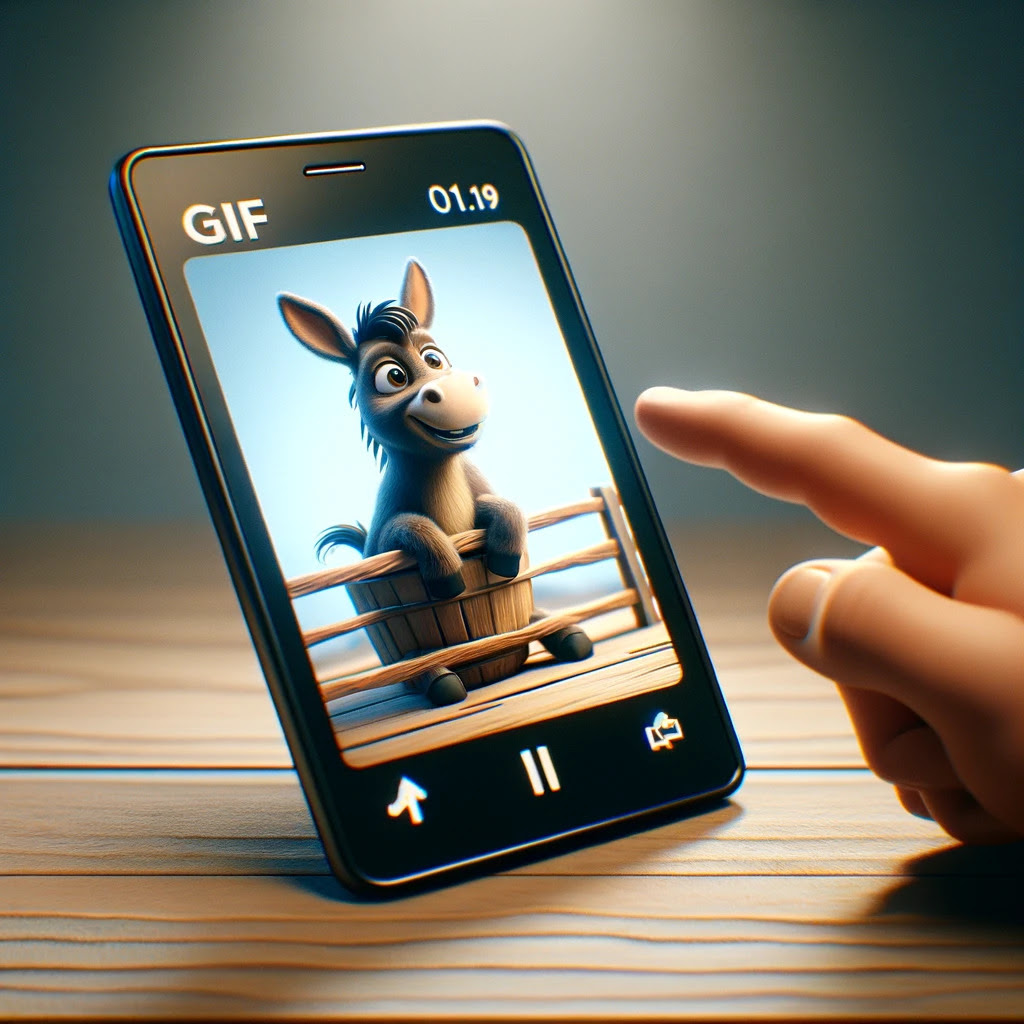
Immagina di catturare l'essenza di un momento e di riprodurlo all'infinito; questo è ciò che fa una GIF. Sviluppato originariamente nel 1987, il Graphics Interchange Format (GIF) intreccia immagini o videoclip silenziosi per creare un'animazione in loop. È una meraviglia digitale che racchiude emozioni, reazioni o umorismo in un formato immediatamente riconoscibile e ampiamente accessibile.
Perché dovresti usare le GIF
Le GIF hanno un fascino unico, poiché uniscono l'impatto dei video alla semplicità delle immagini. Sono perfetti per aggiungere un tocco di personalità alle comunicazioni digitali o per creare contenuti meme condivisibili. Leggere e universalmente supportate, le GIF possono amplificare il tuo messaggio su blog, social media e persino presentazioni professionali, rendendole uno strumento versatile nel tuo arsenale digitale. La capacità di esprimere idee o emozioni complesse in modo rapido e divertente è un vantaggio chiave dell'utilizzo delle GIF.
Come creare una GIF da un video su Iphone

Creare GIF su un iPhone è un'esperienza fluida, grazie a una varietà di app intuitive. Questi strumenti semplificano la selezione, la modifica e l'esportazione di segmenti video in GIF pronte ad affascinare e coinvolgere il tuo pubblico. Ecco le scelte migliori per gli utenti iPhone:
- GIPHY Cam: offre una vasta libreria di adesivi e opzioni di testo per personalizzare le tue GIF.
- ImgPlay: ti consente di creare GIF da foto, video, sequenze e foto dal vivo con strumenti di modifica intuitivi.
- GIF Toaster: fornisce opzioni per convertire vari formati multimediali in GIF, inclusa la personalizzazione della frequenza fotogrammi e delle dimensioni.
Come creare una GIF da un video su Android
L'ecosistema di app Android è ricco di strumenti per la creazione di GIF progettati per trasformare i tuoi video clip in animazioni coinvolgenti e pronte per i meme. Queste app semplificano l'intero processo, assicurando che le tue creazioni siano pronte per la prima serata. Le app essenziali per Android includono:
- GIF Maker: questa app ti consente di modificare GIF con testo, filtri e cornici per un tocco personalizzato.
- GIPHY Cam: simile alla sua controparte iOS, consente agli utenti Android di creare e personalizzare facilmente GIF.
- ImgPlay: un'app versatile che supporta la creazione di GIF da video, foto e altro, con potenti funzionalità di modifica.
Come creare una GIF da un video su Mac
Gli utenti Mac beneficiano di potenti applicazioni che rendono la creazione di GIF un'attività semplice. Dalla selezione delle clip all'aggiunta di testo, queste app garantiscono che le tue GIF risaltino. App Mac assolutamente da provare:
- Gif Brewery di Gfycat: offre strumenti completi per la creazione e la modifica di GIF, inclusa l'aggiunta di testo e la regolazione della frequenza dei fotogrammi.
- PicGIF: uno strumento semplice ma efficace per trasformare video (e immagini) in GIF con opzioni di modifica di base.
- Smart GIF Maker: fornisce un approccio più pratico alla creazione di GIF, consentendo una modifica dettagliata fotogramma per fotogramma.
Come creare una GIF da un video su Windows
La creazione di GIF su Windows può essere facilmente realizzata con VSDC Free Video Editor, uno strumento versatile per l'editing video e la creazione di GIF. Ecco come farlo:
- Avvia VSDC e avvia un nuovo progetto importando i tuoi file multimediali utilizzando il pulsante Importa contenuto.
- Utilizza gli strumenti di editing di VSDC per tagliare, dividere, ritagliare, aggiungere effetti e organizzare i tuoi media sulla timeline.
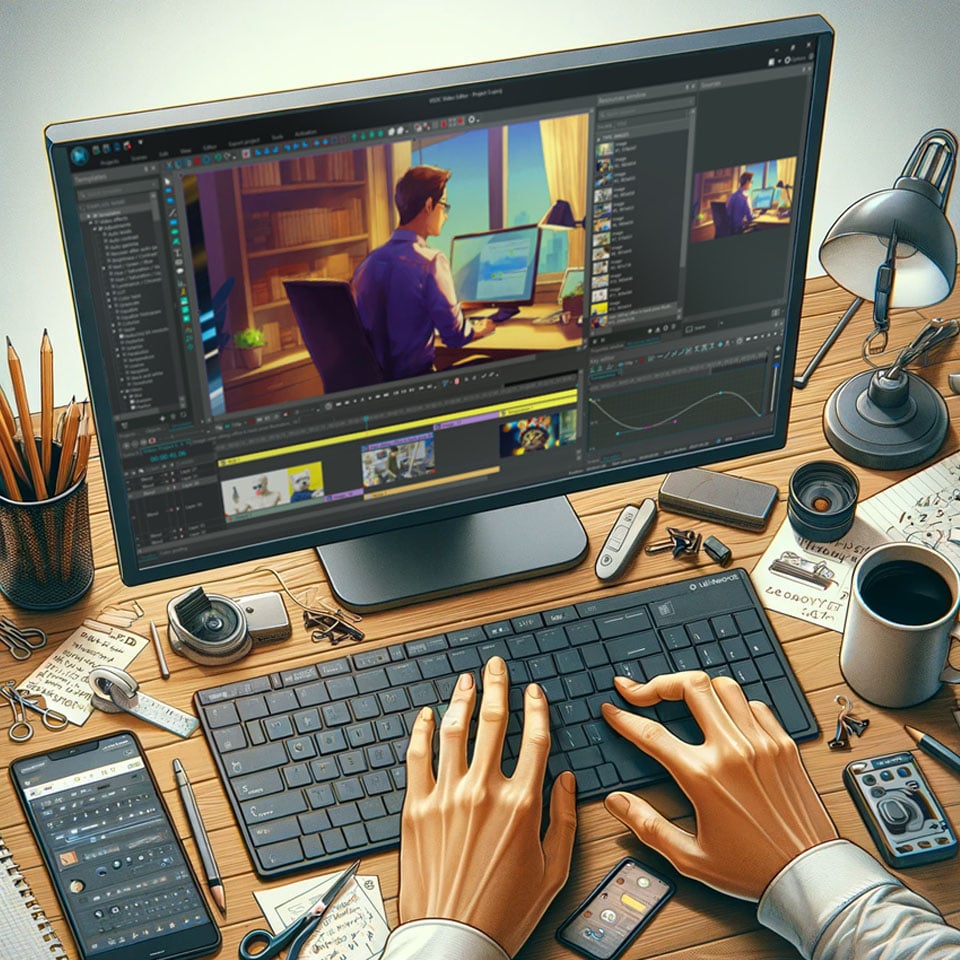
- Dopo aver messo a punto il tuo video, vai alla scheda Esporta progetto situata sulla barra multifunzione, seleziona Web nella sezione Dispositivo multimediale e scegli GIF come formato di output. Puoi anche regolare le impostazioni di esportazione in base alle tue esigenze prima di finalizzare il video: seleziona il codec desiderato nel campo Profilo in basso e fai clic sul pulsante Modifica profilo a destra per regolare le impostazioni di output.
- Fai clic sul pulsante rosso Esporta progetto per generare la tua GIF. VSDC elaborerà il segmento video e lo salverà come file GIF.
Come creare una GIF online
Per la creazione istantanea di GIF senza download di software, i creatori di GIF online sono una manna dal cielo. Questi strumenti basati sul Web sono intuitivi e offrono la funzione drag-and-drop nità e semplici opzioni di personalizzazione. Principali opzioni online:
- Ezgif: un creatore ed editor di GIF online completo, Ezgif ti consente di convertire video in GIF, ridimensionare, ritagliare e ottimizzare facilmente le GIF animate. La sua interfaccia semplice lo rende uno dei preferiti tra gli utenti che preferiscono un approccio senza fronzoli alla creazione di GIF.
- Imgflip: questo strumento versatile non solo ti consente di creare GIF dai video, ma offre anche funzionalità di generazione di meme. Imgflip supporta varie opzioni di personalizzazione, tra cui annotazioni di testo, ritaglio di immagini e regolazioni della frequenza dei fotogrammi.
- GIFMaker.me: uno strumento semplice ed efficace per creare GIF, presentazioni e animazioni video. GIFMaker.me supporta la creazione di GIF direttamente da video o immagini senza richiedere un account o l'accesso.
Domande frequenti
Posso creare una GIF di alta qualità da qualsiasi formato video?
Assolutamente sì, la maggior parte dei formati video può essere convertita senza problemi in GIF di alta qualità, a condizione che si utilizzi uno strumento capace. Il trucco sta nello scegliere il segmento giusto e nel regolare le impostazioni per preservare la chiarezza senza aumentare le dimensioni del file.
Come posso convertire una sezione di un video di YouTube in una GIF?
Gli strumenti online che accettano gli URL di YouTube semplificano il processo di conversione delle sezioni video in GIF. Inserendo il collegamento del video, selezionando il segmento desiderato e regolando le impostazioni di conversione, puoi creare una GIF direttamente dai contenuti di YouTube.
Quali sono i limiti di dimensione del file per una GIF e come posso ridurla se necessario?
I limiti alle dimensioni dei file GIF variano a seconda della piattaforma o del servizio che stai utilizzando. Per ridurre le dimensioni di una GIF, valuta la possibilità di diminuire la risoluzione, ridurre il numero di fotogrammi o ottimizzare la tavolozza dei colori. Queste modifiche possono aiutare a mantenere la qualità visiva garantendo al tempo stesso compatibilità e tempi di caricamento rapidi.
Come posso ottimizzare una GIF per l'utilizzo su piattaforme di social media?
L'ottimizzazione di una GIF per i social media implica il bilanciamento della qualità e delle dimensioni del file. Utilizza strumenti di compressione e seleziona dimensioni in linea con i requisiti specifici della piattaforma. Inoltre, la scelta di una frequenza fotogrammi che garantisca una riproduzione fluida senza aumentare inutilmente le dimensioni del file può migliorare le prestazioni sui canali dei social media.
Come faccio a scegliere la frequenza fotogrammi migliore per la mia GIF per garantire un'animazione fluida?
La frequenza fotogrammi ideale per una GIF dipende dal contenuto e dall'uso previsto. Una frequenza fotogrammi più elevata produce un'animazione più fluida ma può aumentare la dimensione del file. Per la maggior parte delle applicazioni, una frequenza fotogrammi compresa tra 10 e 15 fotogrammi al secondo rappresenta un buon equilibrio tra fluidità ed efficienza dei file.
Concludendo
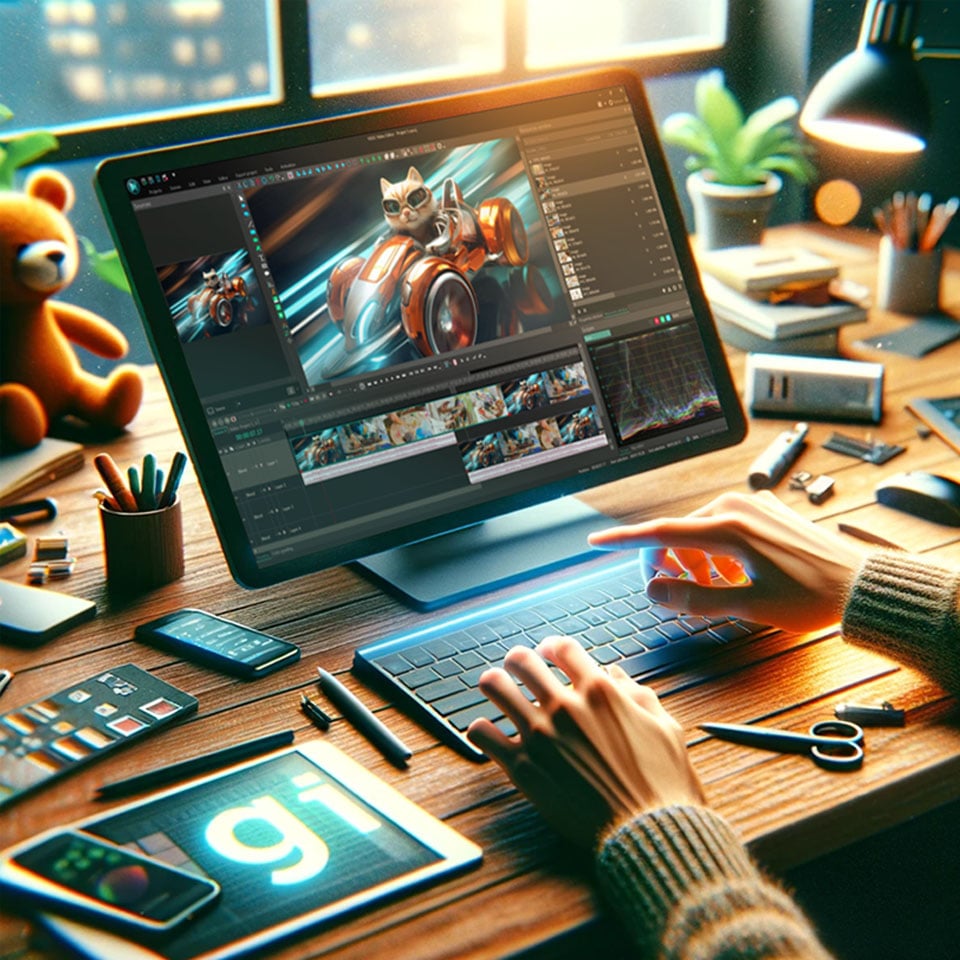
L'arte della creazione di GIF è la porta verso infinite espressioni digitali, fondendo umorismo, informazioni ed emozioni in momenti compatti e condivisibili. Dopo aver esplorato vari percorsi, dagli smartphone ai desktop e persino alle piattaforme online, il viaggio per trasformare i video in GIF non è mai stato così accessibile. Tra la pletora di strumenti disponibili, VSDC Free Video Editor si distingue come un alleato particolarmente potente per gli utenti Windows. Le sue funzionalità complete non solo facilitano la creazione di GIF degne di meme, ma soddisfano anche un ampio spettro di esigenze creative. Con VSDC, il processo trascende la semplice conversione, consentendo un’immersione più profonda nella creatività e nella narrazione. Che il tuo obiettivo sia intrattenere, istruire o coinvolgere, abbracciare il mondo delle GIF apre un mezzo di comunicazione dinamico, ricco di potenziale di innovazione e connessione.
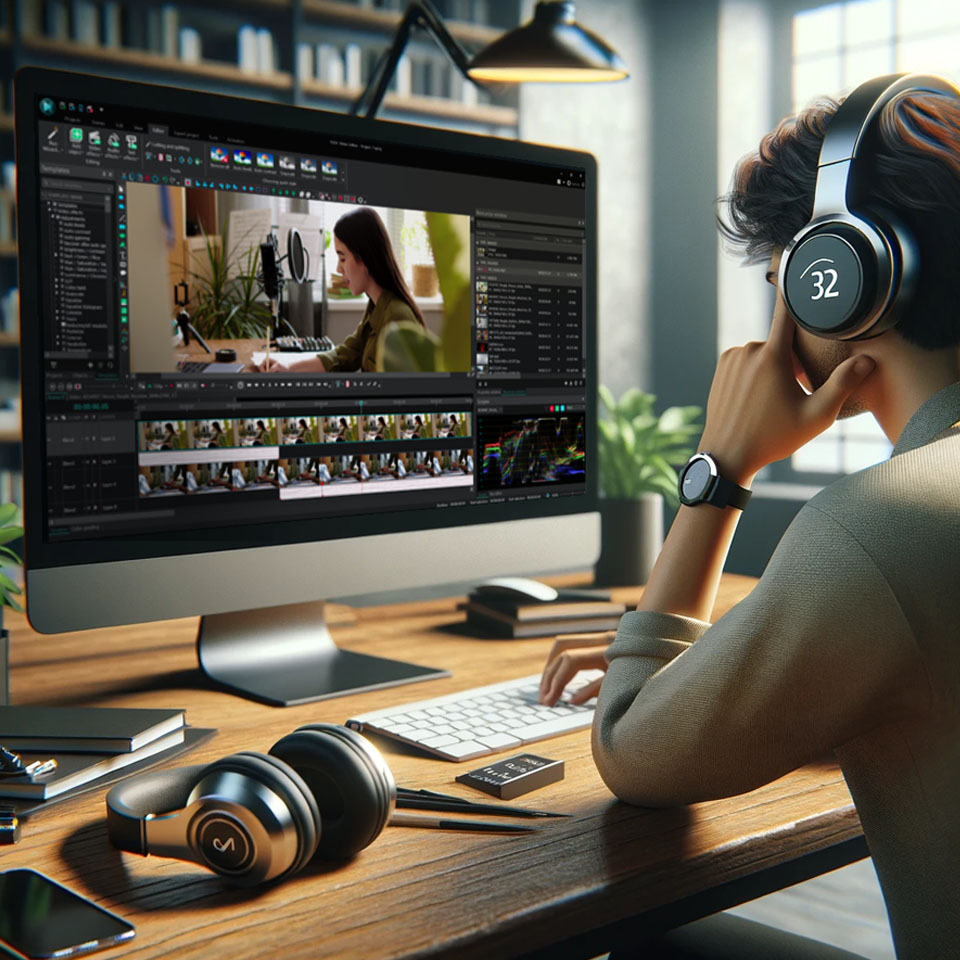

 Scarica VSDC Video Editor



Con questo programma è possibile registrare i video dal desktop e salvarli sul computer in diversi formati. Insieme al video editor è ideale per creare presentazioni e demo.

Il programma serve per catturare video da dispositivi esterni e e per registrarli sul computer in qualsiasi formato video. Potete salvare il video da sintonizzatori video, webcam, schede di acquisizione e vari dispositivi.
VSDC Video Editor Reviews & Ratings (Trustpilot, Capterra & Media)
VSDC Free Video Editor is rated 4.5/5 by real users on Trustpilot and Capterra. Here are a few reviews and quotes from creators and tech media.
Overall rating: 4.5/5 based on 200+ reviews on Trustpilot and 89 reviews on Capterra.
★★★★⯪
VSDC Free Video Editor is the best free video editor for Windows I’ve used, from color grading to picture-in-picture and cinematic results.
— Ejikeme Eloka Augustine
Source:Trustpilot
★★★★☆
Easy-to-use interface and quick export to social media make VSDC a versatile video editing tool for everyday projects.
— Karen C., E-Learning
Source:Capterra
★★★★☆
A feature-packed non-linear video editor for Windows that can compete with many paid video editing solutions.
— TechRadar
Source:TechRadar review
★★★★★
The free VSDC editor saved my YouTube channel – a powerful video editing software for chroma key, text effects and picture-in-picture.
— Paul Roberts
Source:Trustpilot
★★★★★
Fast and simple for YouTube videos with green screen, zoom, color tools and creative effects in one app.
— Marie R., Media Production
Source:Capterra
★★★★★
One of the best free video editor options for Windows users, ideal for GoPro, YouTube and family videos.
— VidProMom, YouTube creator
Source:Media reviews
★★★★★
I’ve been using VSDC for years; editing is easy and the final videos look great for my personal and professional projects.
— Long-time VSDC user
Source:Trustpilot
★★★★★
Great value and faster than many other free tools; I quickly create videos for YouTube, Instagram and Facebook with features my audience loves.
— Rabika B., Marketing & Advertising
Source:Capterra
★★★★★
VSDC offers many features you don’t usually find in free editors, including picture-in-picture, stabilization and modern codec support with no watermarks.
— Tech media review
Source:Media reviews
 Unisciti a noi
  Seguici
 Guardaci
 / @VSDCFreeVideoEditor
© 2011-2026, www.videosoftdev.com, FLASH-INTEGRO LLC. Tutela della privacy | Condizioni di utilizzo | Chi siamo
Tutti i marchi citati nel presente documento sono di proprieta esclusiva dei rispettivi proprietari.
La copia di qualsiasi materiale da questo sito e consentita solo con il consenso scritto dell'amministrazione sito.