 User Help Manual
  Learn FAQ
  Send us feedback


- Published by Amy Shao on June 30, 2026 Meet the new major update ...
- Published by Amy Shao on March 11, 2026 What is the best gift for...
- published Amy Shao 11/19/25 Meet the long-awaited VSDC 10.2 update: a new ve...
- Hi, I'm Mattea Wharton, a travel videographer from Seattle. For three years I ba...
Explore the world of pro video editing with VSDC
Double speed

Manage your editing even faster with more stable and hardware-accelerated version
Enhanced resolution

Process image and video transformation with subpixel resolution to get more precise results
Mask tool

Hide, blur or highlight required elements in your video using 10+ mask types
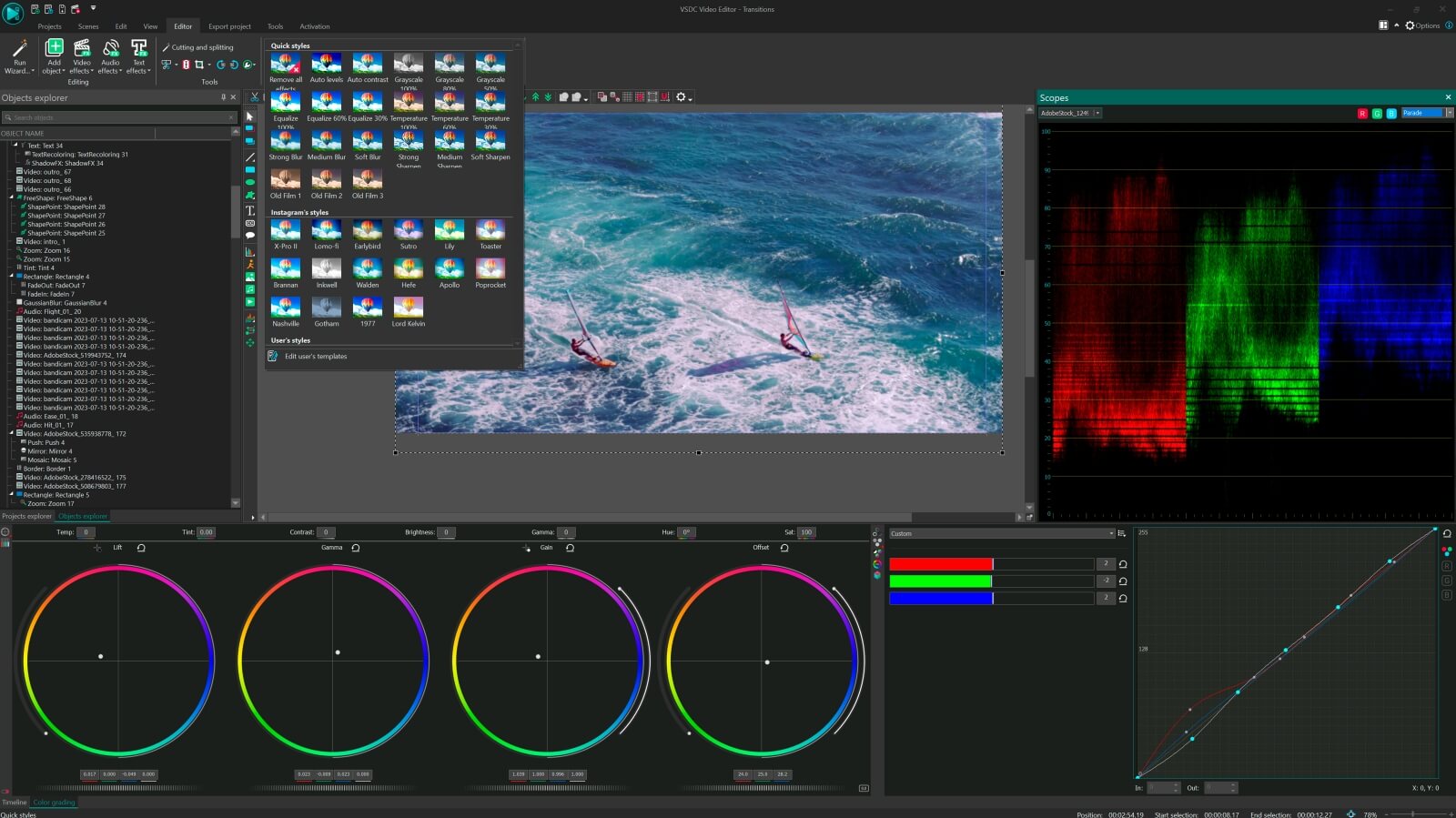
Multiple color
chroma key
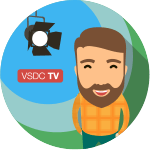
Choose a suitable color for your video background to create a real TV studio look
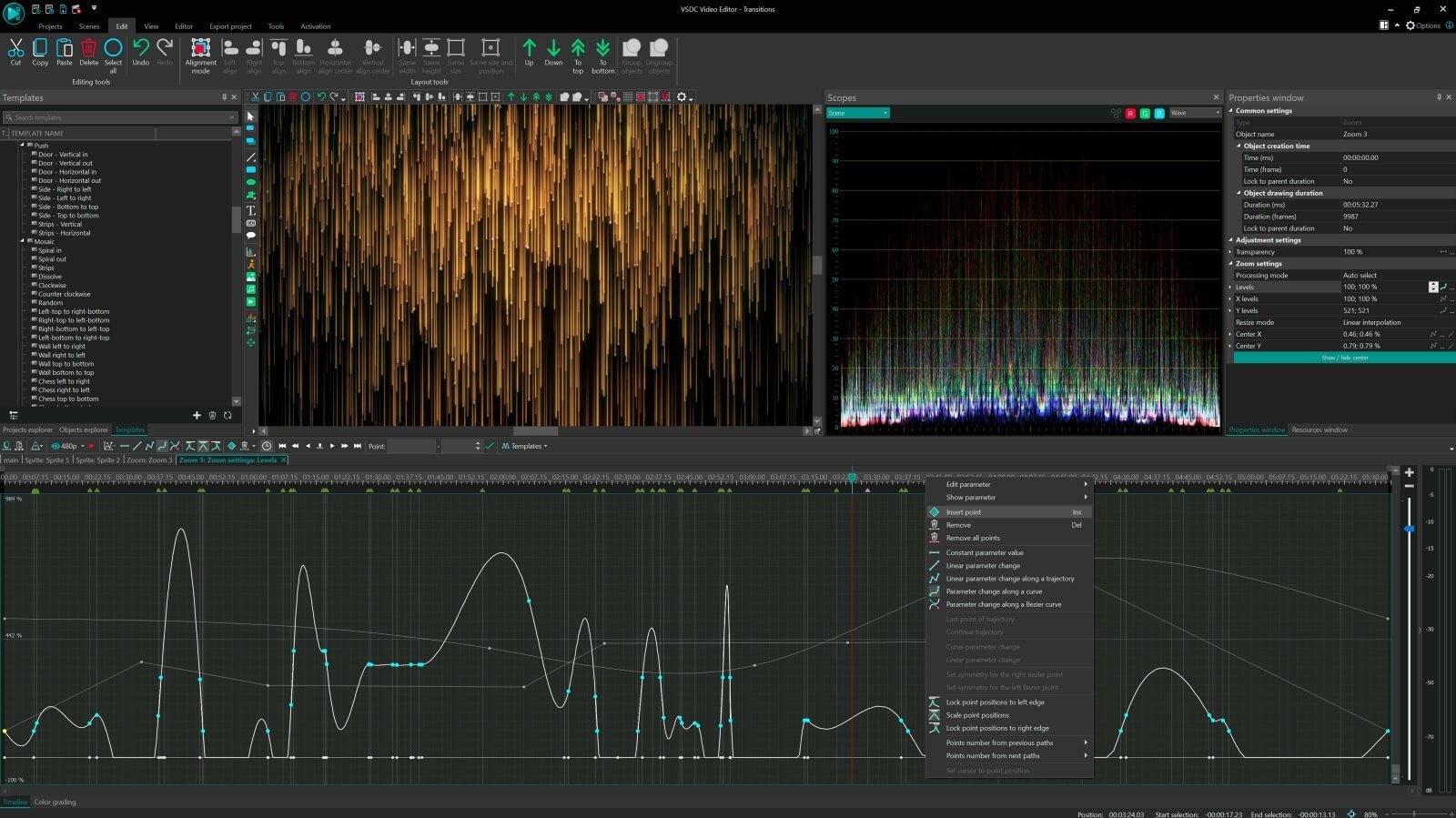
Advanced settings
for pro editing
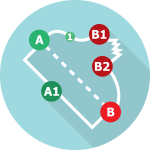
Create curved motion paths for your video objects or animation taking advantage of adjustable parameter settings
Compare VSDC Free and Pro video editing software
| FREE | PRO | |
| Full video editing suite |  |
|
| Advanced settings for Pro editing |  |
|
| Video stabilization tool | |
|
| Hardware acceleration | |
|
| Audio waveform | |
|
| Sub-pixel resolution | Standard | Advanced |
| Voice over | Standard | Advanced |
| Mask tool | Standard | Advanced |
| Chroma Key | Standard | Advanced |
| Technical support | Standard | Advanced |
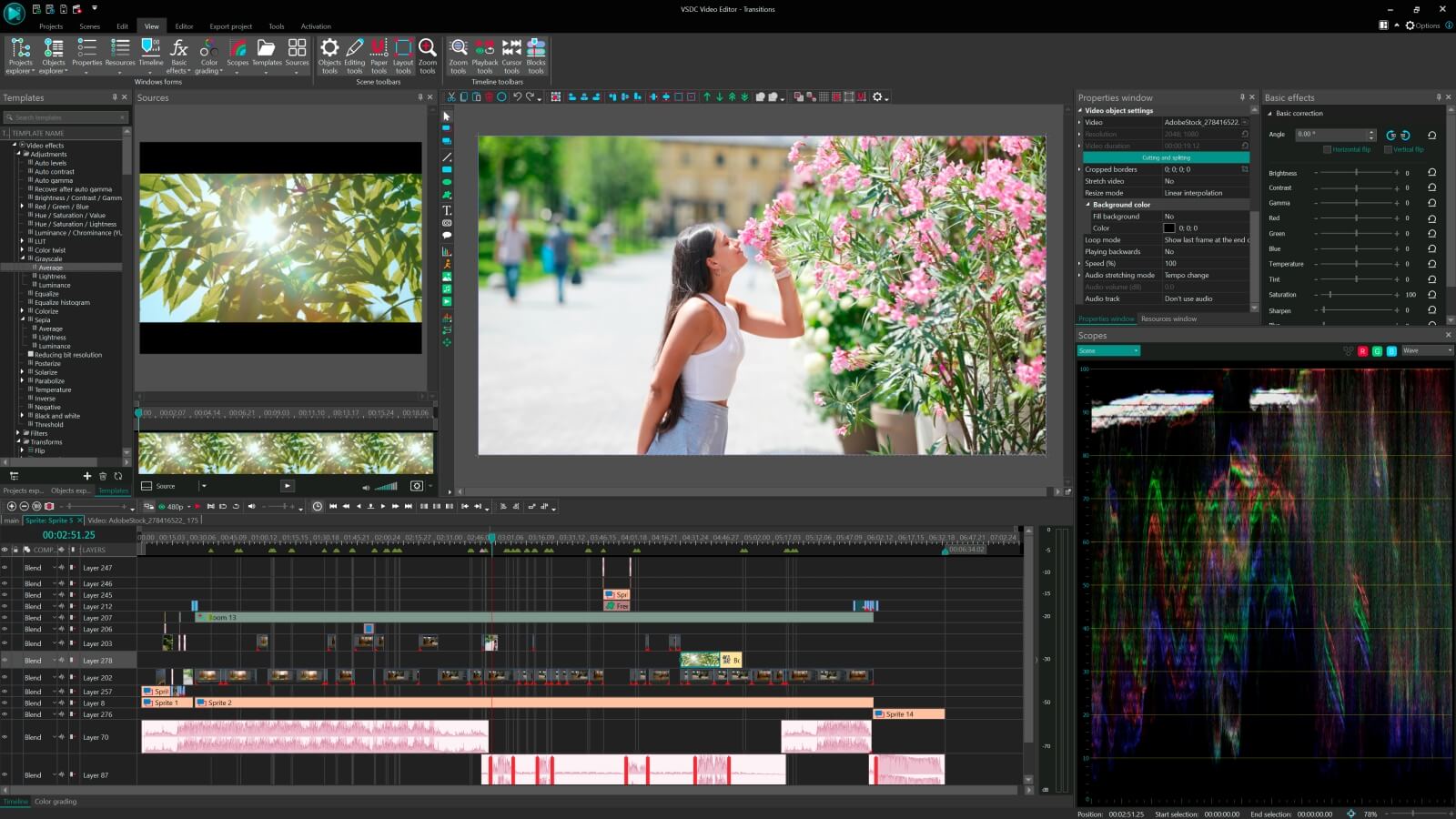
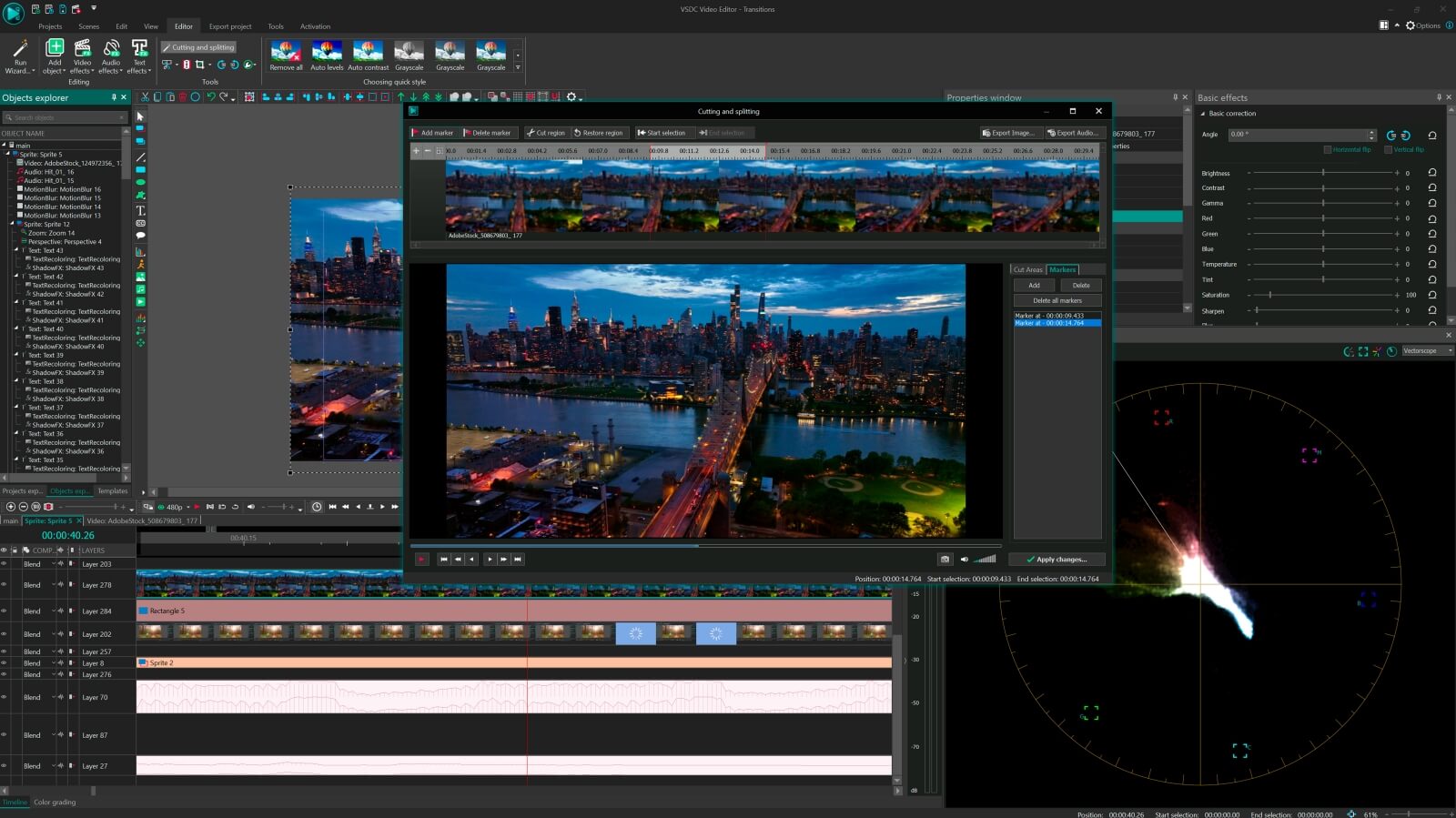

To get more information on the subscription for VSDC Video Editor Pro, please, consult the FAQ section or write to This email address is being protected from spambots. You need JavaScript enabled to view it.
Please, note, that the current version doesn’t run on Windows versions prior to Windows XP SP3. If you use older Windows versions, please, make use of VSDC Video Editor version 3.3.5
VSDC Video Editor Reviews & Ratings (Trustpilot, Capterra & Media)
VSDC Free Video Editor is rated 4.5/5 by real users on Trustpilot and Capterra. Here are a few reviews and quotes from creators and tech media.
Overall rating: 4.5/5 based on 200+ reviews on Trustpilot and 89 reviews on Capterra.
VSDC Free Video Editor is the best free video editor for Windows I’ve used, from color grading to picture-in-picture and cinematic results.
— Ejikeme Eloka Augustine
Source:Trustpilot
Easy-to-use interface and quick export to social media make VSDC a versatile video editing tool for everyday projects.
— Karen C., E-Learning
Source:Capterra
A feature-packed non-linear video editor for Windows that can compete with many paid video editing solutions.
— TechRadar
Source:TechRadar review
The free VSDC editor saved my YouTube channel – a powerful video editing software for chroma key, text effects and picture-in-picture.
— Paul Roberts
Source:Trustpilot
Fast and simple for YouTube videos with green screen, zoom, color tools and creative effects in one app.
— Marie R., Media Production
Source:Capterra
One of the best free video editor options for Windows users, ideal for GoPro, YouTube and family videos.
— VidProMom, YouTube creator
Source:Media reviews
I’ve been using VSDC for years; editing is easy and the final videos look great for my personal and professional projects.
— Long-time VSDC user
Source:Trustpilot
Great value and faster than many other free tools; I quickly create videos for YouTube, Instagram and Facebook with features my audience loves.
— Rabika B., Marketing & Advertising
Source:Capterra
VSDC offers many features you don’t usually find in free editors, including picture-in-picture, stabilization and modern codec support with no watermarks.
— Tech media review
Source:Media reviews
 Like us on Facebook
 Follow us on Twitter
Watch us on YouTube
 / @VSDCFreeVideoEditor
© 2011-2026, www.videosoftdev.com, FLASH-INTEGRO LLC. Privacy policy | Terms of use | About us
All trademarks referenced herein are the sole property of their respective owners.
Copying any materials from this site allowed only with written consent of Site Administration.