 User Help Manual
  Learn FAQ
  Send us feedback


 GET VSDC PRO

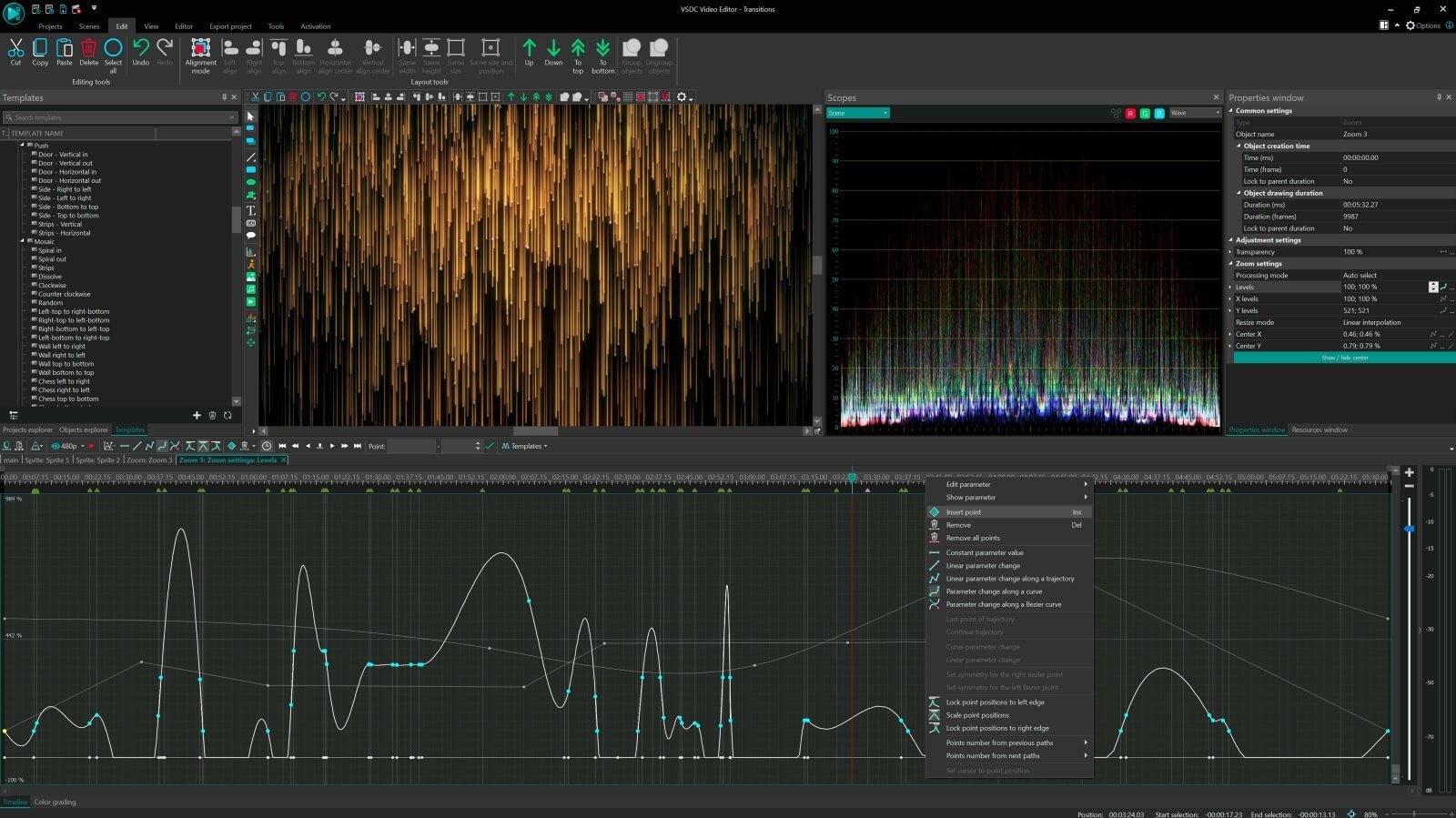
- Scale/Size pulsation (e.g., objects expanding on bass drops)
- Color shifts (hue/saturation cycling with tempo)
- Rotation/Spin intensity (accelerating during chorus)
- Transparency/Glitch effects (strobe sync to hi-hats)
Explore the world of pro video editing with VSDC
Double speed

Manage your editing even faster with more stable and hardware-accelerated version
Enhanced resolution

Process image and video transformation with subpixel resolution to get more precise results
Mask tool

Hide, blur or highlight required elements in your video using 10+ mask types
Multiple color
chroma key

Choose a suitable color for your video background to create a real TV studio look
Advanced settings
for pro editing
Create curved motion paths for your video objects or animation taking advantage of adjustable parameter settings
Compare VSDC Free and Pro video editing software
| FREE | PRO | |
| Full video editing suite |  |
|
| Advanced settings for Pro editing |  |
|
| Video stabilization tool | |
|
| Hardware acceleration | |
|
| Audio waveform | |
|
| Sub-pixel resolution | Standard | Advanced |
| Voice over | Standard | Advanced |
| Mask tool | Standard | Advanced |
| Chroma Key | Standard | Advanced |
| Technical support | Standard | Advanced |
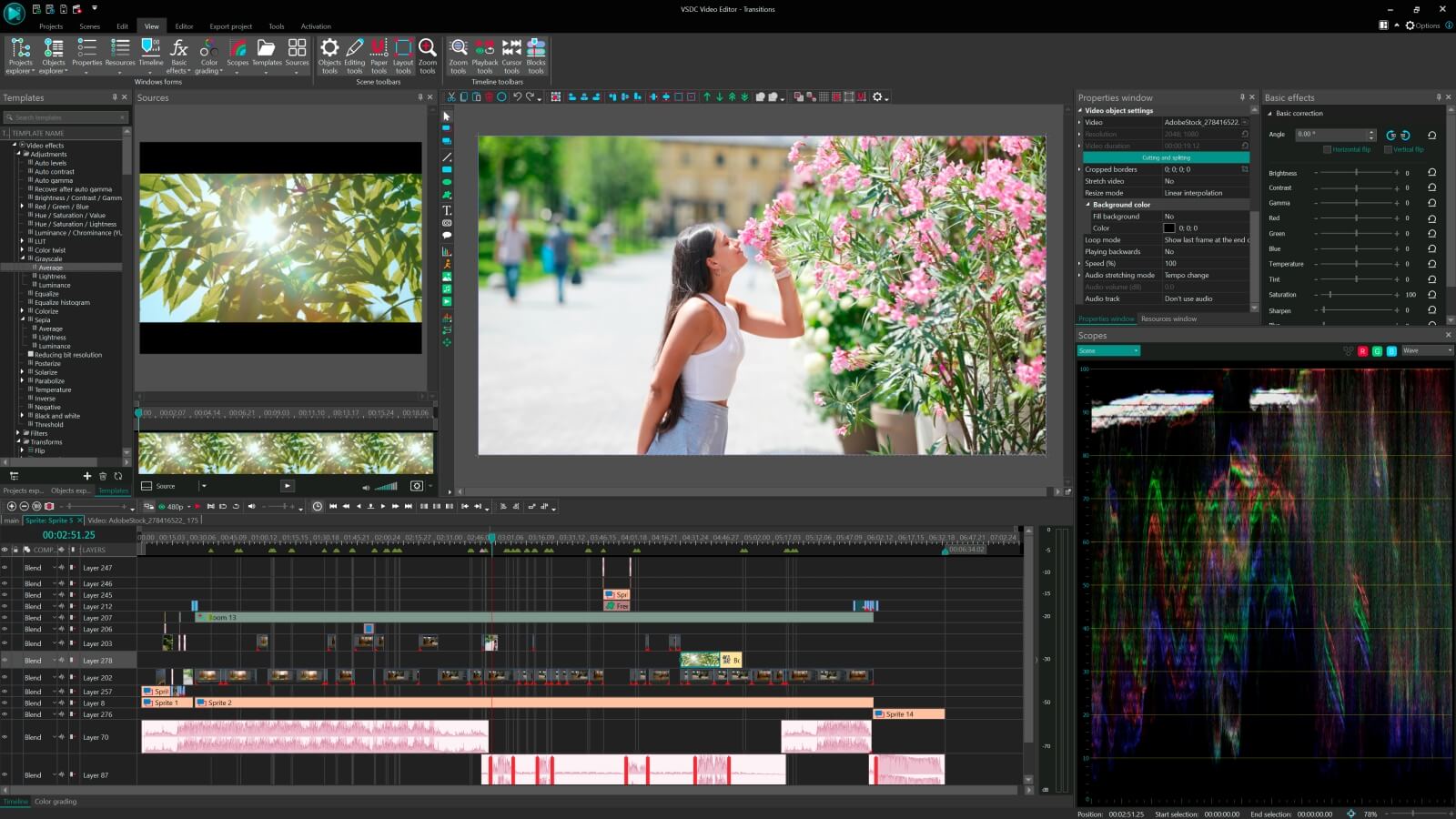
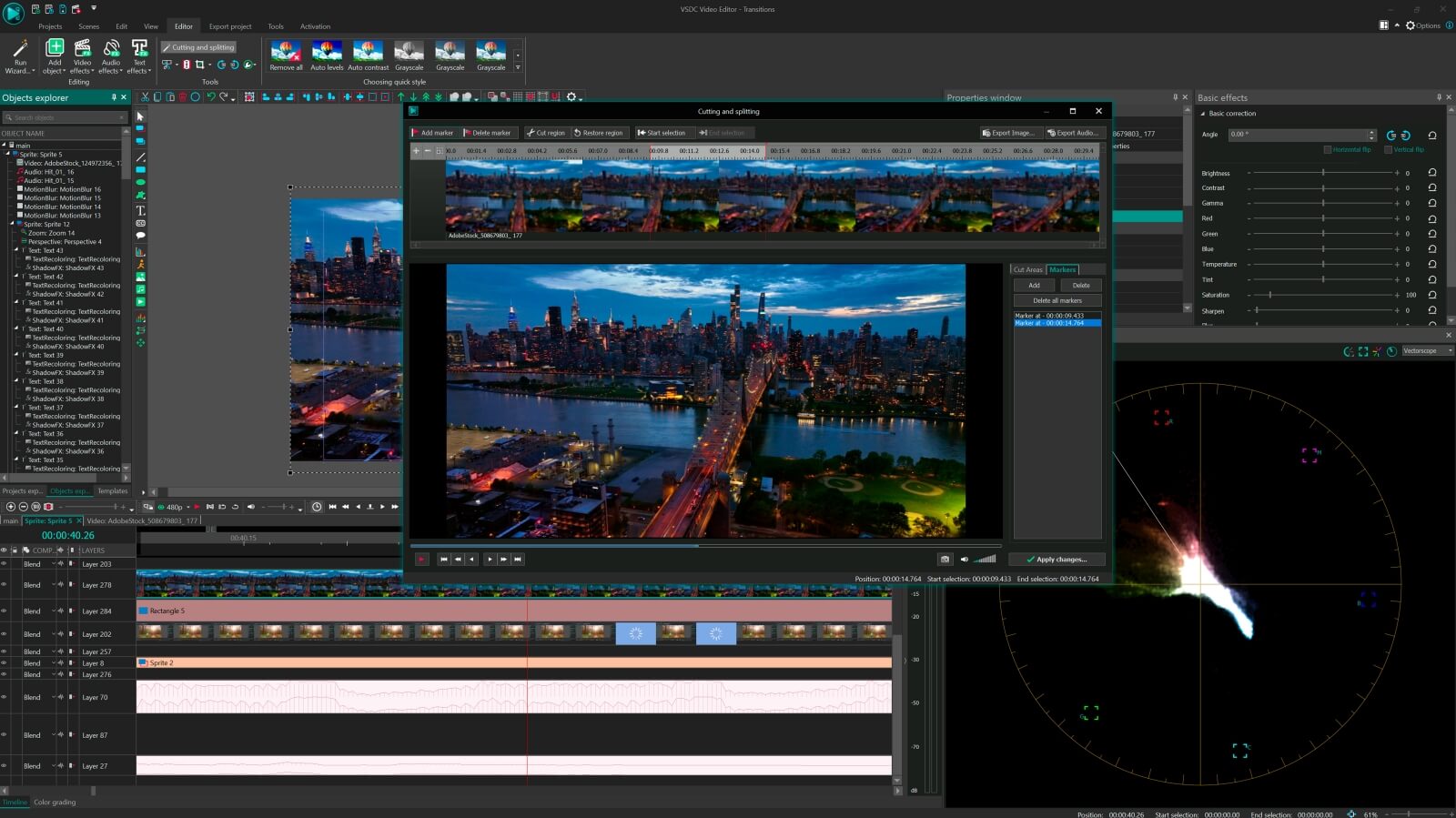
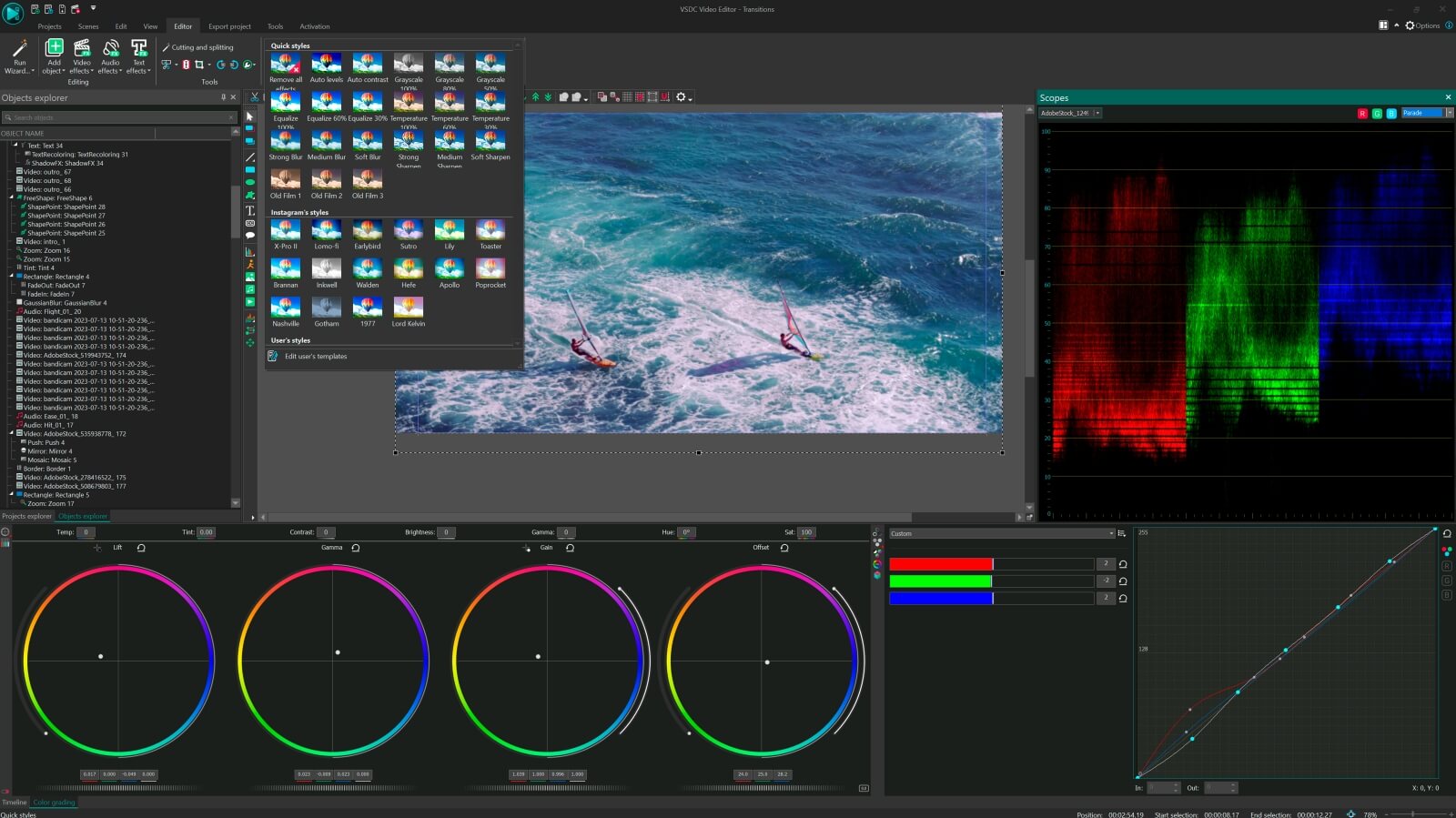

To get more information on the subscription for VSDC Video Editor Pro, please, consult the FAQ section or write to This email address is being protected from spambots. You need JavaScript enabled to view it.
Please, note, that the current version doesn’t run on Windows versions prior to Windows XP SP3. If you use older Windows versions, please, make use of VSDC Video Editor version 3.3.5
 Like us on Facebook
 Follow us on Twitter
Watch us on YouTube
 / @VSDCFreeVideoEditor
© 2011-2026, www.videosoftdev.com, FLASH-INTEGRO LLC. Privacy policy | Terms of use | About us
All trademarks referenced herein are the sole property of their respective owners.
Copying any materials from this site allowed only with written consent of Site Administration.