 User Help Manual


 GET VSDC PRO

- Scale/Size pulsation (e.g., objects expanding on bass drops)
- Color shifts (hue/saturation cycling with tempo)
- Rotation/Spin intensity (accelerating during chorus)
- Transparency/Glitch effects (strobe sync to hi-hats)
Esplorate il mondo del montaggio do video professionale con VSDC
Doppia velocità

Completa l'editing ancora più velocemente con una versione ancora più stabile e ad accelerazione hardware
Risoluzione ottimizzata

Elabora la trasformazione di immagini e video con risoluzione sub-pixel per ottenere risultati più precisi
Mask tool

Hide, blur or highlight required elements in your video using 10+ mask types
Chroma key multicolore
Scegli un colore adatto per lo sfondo del tuo video per creare un look simile a quello di un vero studio televisivo
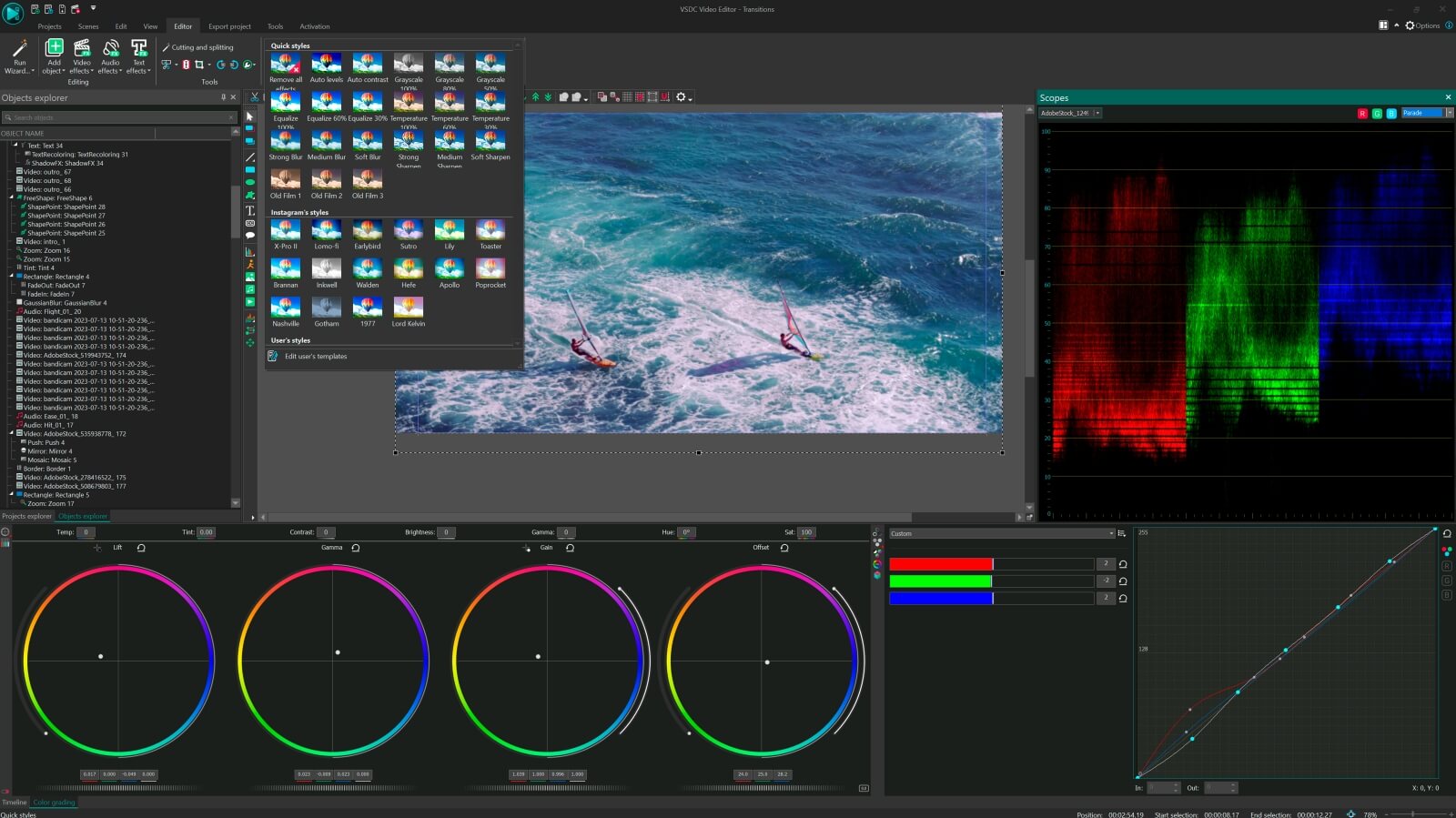
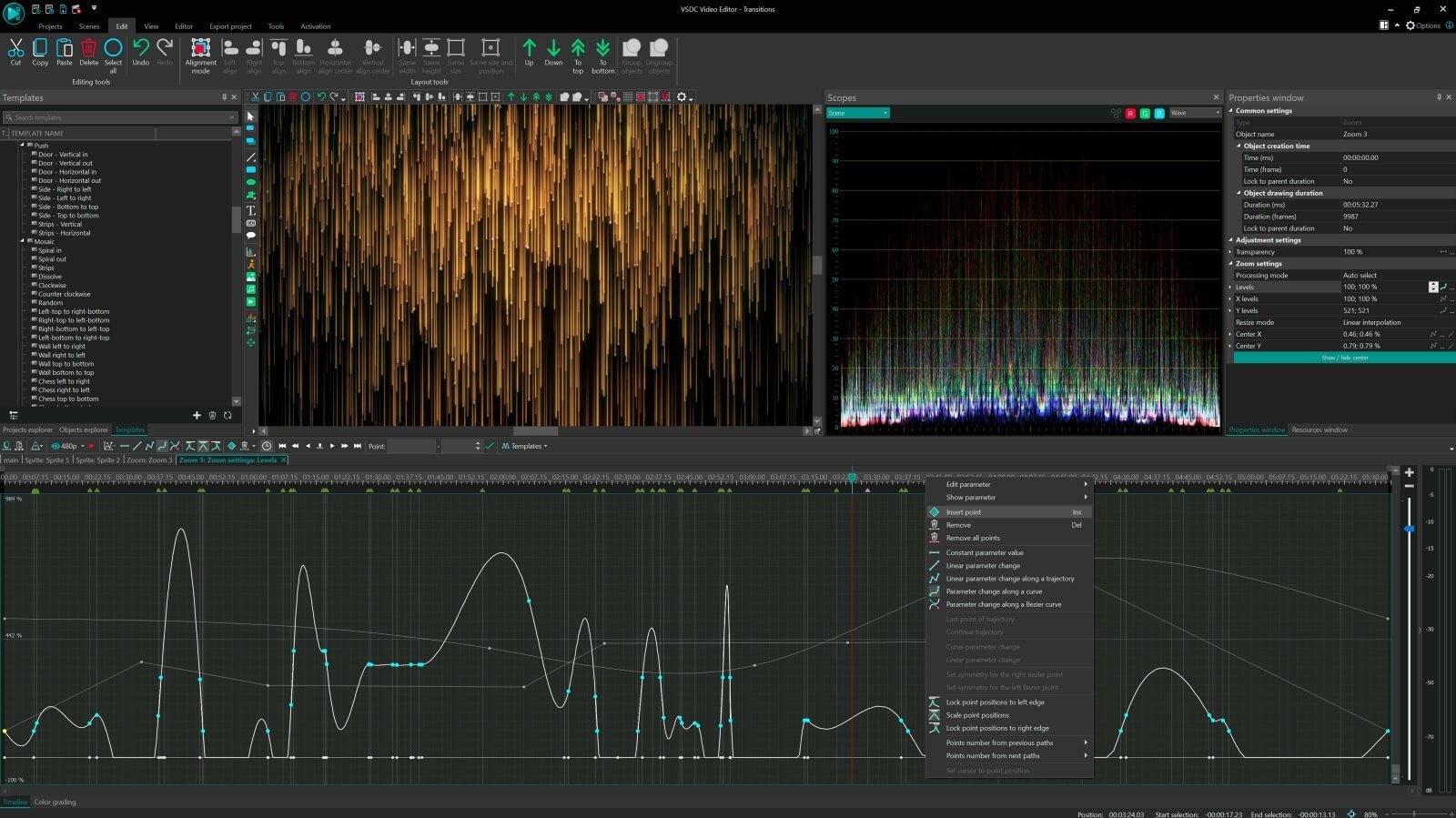
Impostazioni avanzate per editing professionale
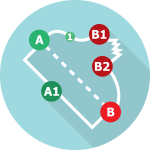
Crea percorsi a movimento curvo per i tuoi oggetti video o le tue animazioni sfruttando le impostazioni dei parametri regolabili
Confronta il software di editing video VSDC Free e Pro
| FREE | PRO | |
| Suite di editing video completa |  |
|
| Impostazioni avanzate per editing professionale |  |
|
| Strumento di stabilizzazione video | |
|
| Accelerazione hardware | |
|
| Onda audio | |
|
| Risoluzione sub-pixel | Standard | Avanzate |
| Voice over | Standard | Avanzate |
| Strumento di mascheratura | Standard | Avanzate |
| Chroma Key | Standard | Avanzate |
| Assistenza tecnica | Standard | Avanzate |
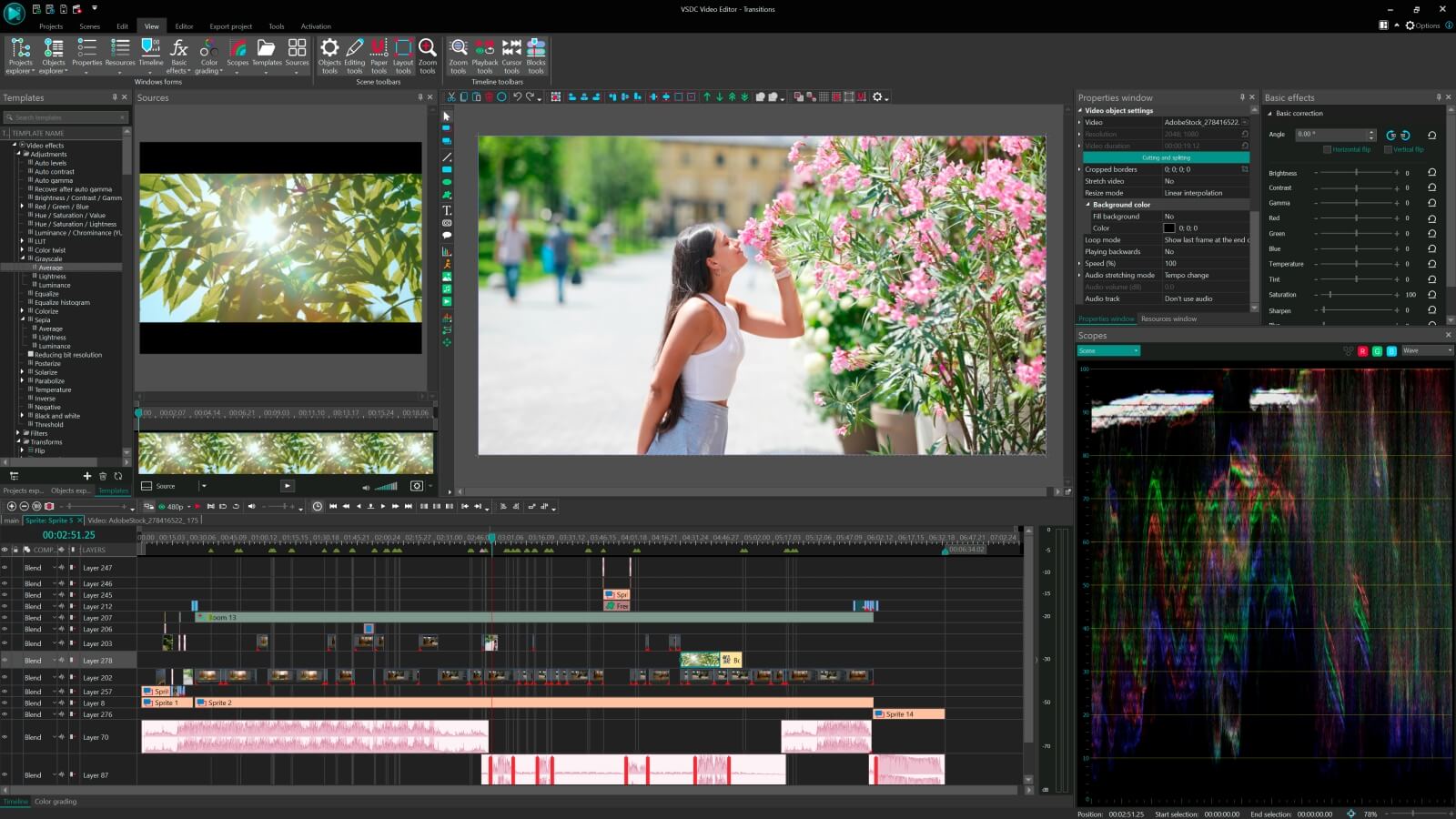
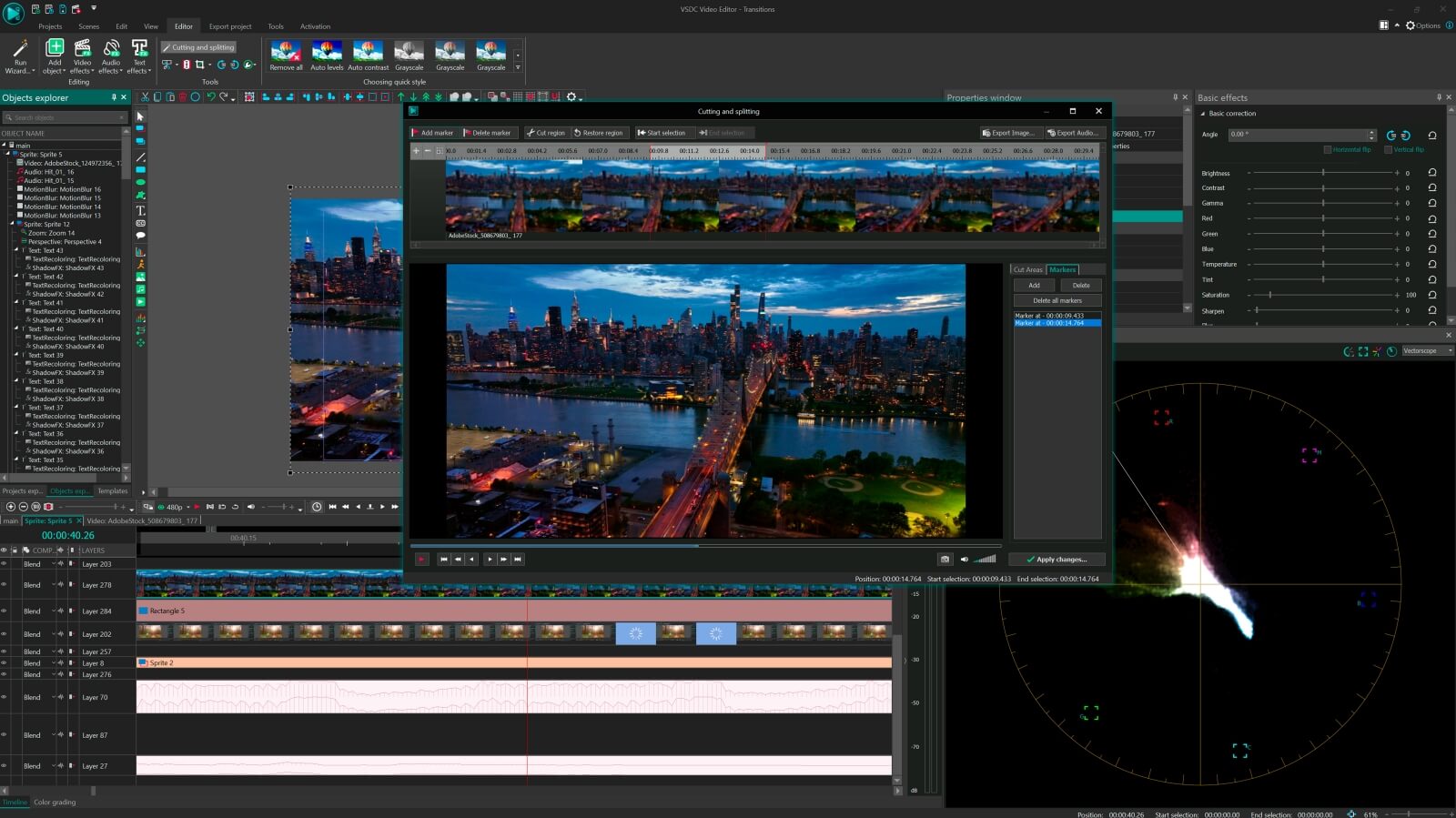

Per ottenere maggiori informazioni sull'abbonamento a VSDC Pro Video Editor, consulta la sezione Domande Frequenti o scrivi all'indirizzo Questo indirizzo email è protetto dagli spambots. È necessario abilitare JavaScript per vederlo.
Attenzione, questa versione del programma è compatibile solamente con le versioni Windows, a partire da Windows XP SP3. Per operare con versioni più vecchie di Windows, potete far ricorso alla versione VSDC Video Editor 3.3.5
 Unisciti a noi
  Seguici
 Guardaci
 / @VSDCFreeVideoEditor
© 2011-2026, www.videosoftdev.com, FLASH-INTEGRO LLC. Tutela della privacy | Condizioni di utilizzo | Chi siamo
Tutti i marchi citati nel presente documento sono di proprieta esclusiva dei rispettivi proprietari.
La copia di qualsiasi materiale da questo sito e consentita solo con il consenso scritto dell'amministrazione sito.