


Editing
Добавление всех типов видеофайлов
Простые и быстрые инструменты обрезка и удаления видео фрагментов
simple trim tools
functionality cut tool
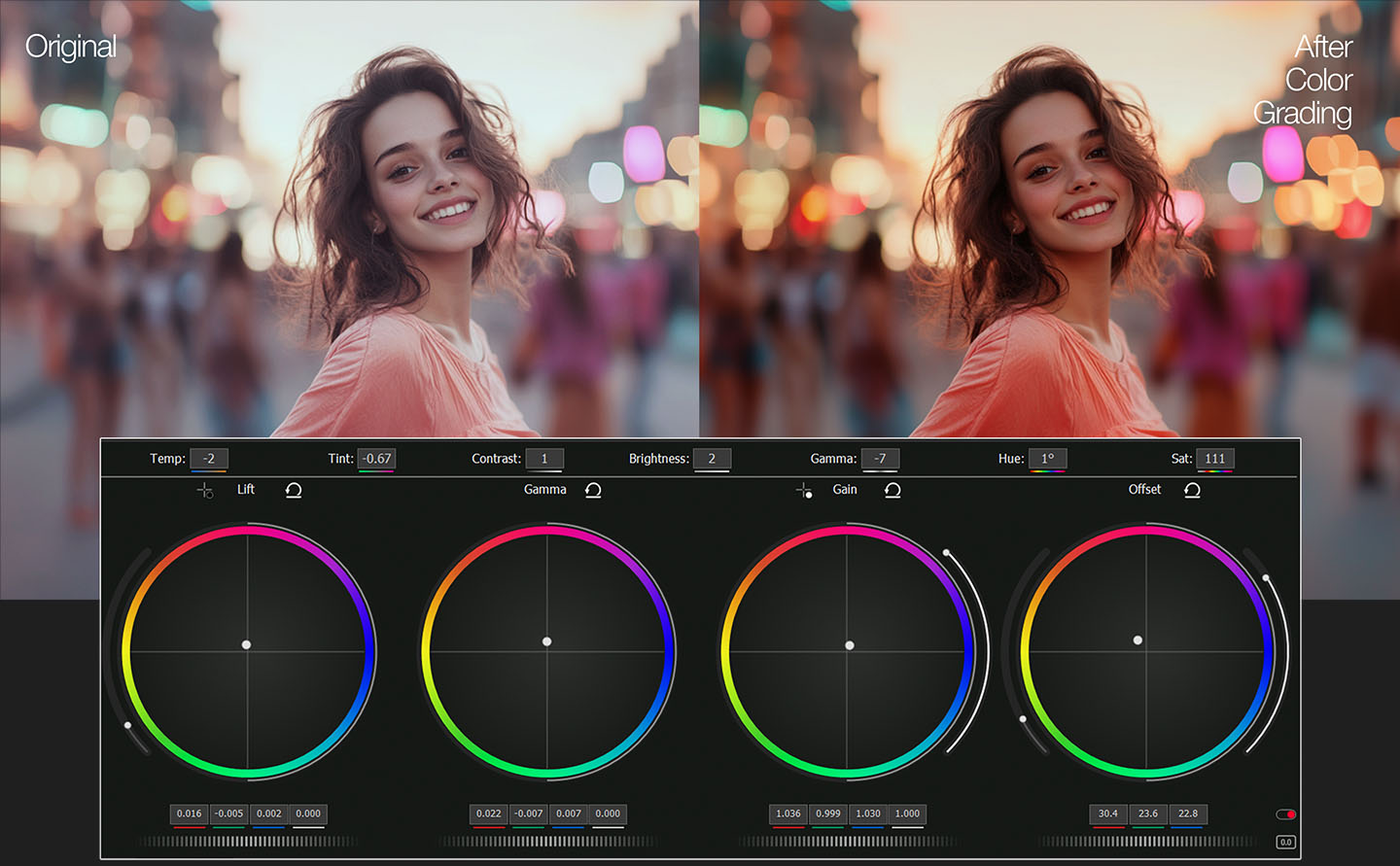
1. Primary Color Correction Tools
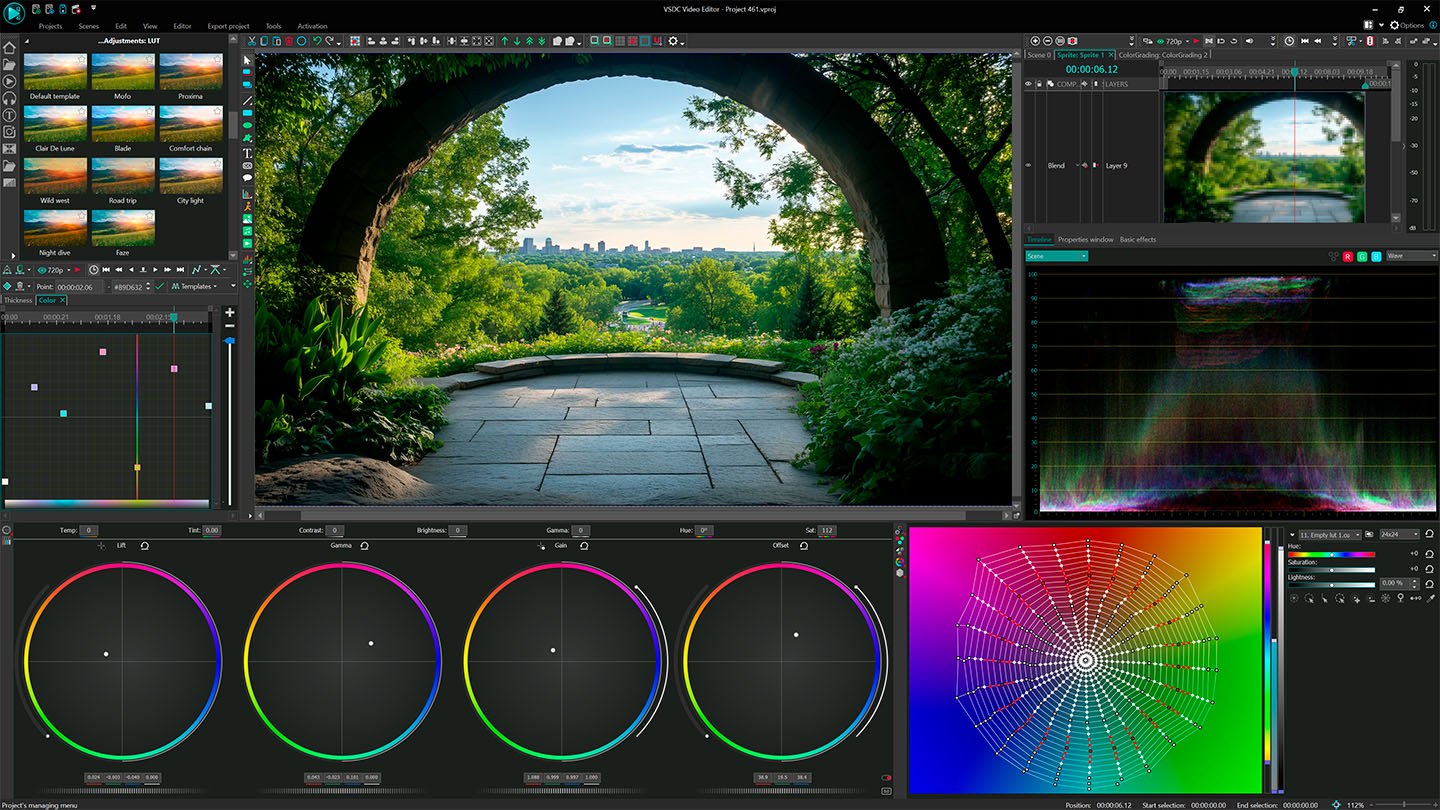
Located in VSDC’s user-friendly interface, these tools let you adjust the entire image with precision:
- Fix Color Casts (e.g., blue tints in shadows or orange hues from tungsten lighting).
- Adjust Brightness & Contrast to recover blown-out highlights or lift crushed shadows.
- Create a Neutral Base for consistent grading across all clips.
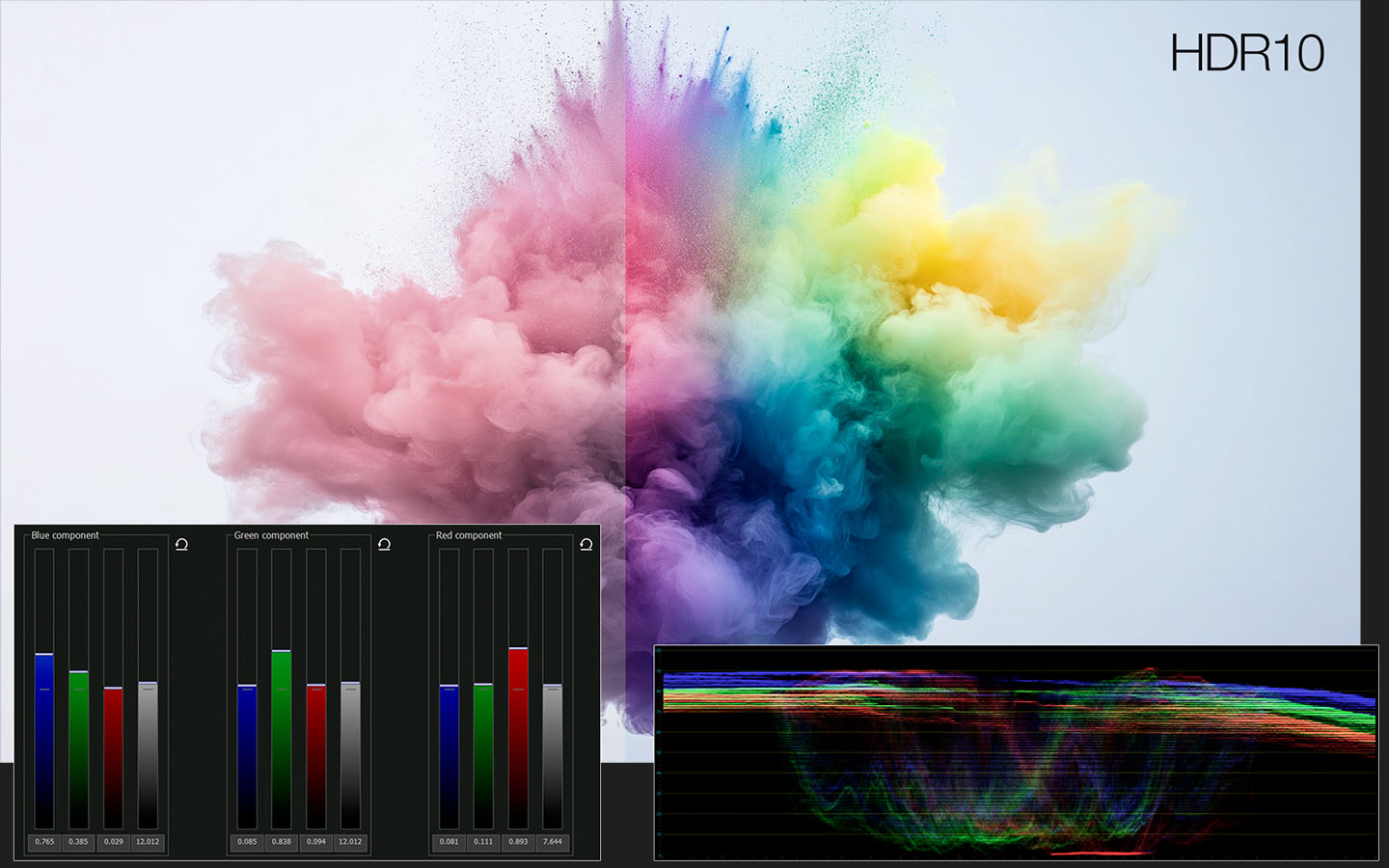
Simply drag the color wheels or sliders to tweak shadows, midtones, and highlights separately. The real-time preview lets you see changes instantly, even in 4K HDR footage.
2. Why Balance Colors First?
- Problem: Unbalanced colors make skin tones look unnatural and scenes appear “off” (e.g., greenish indoor shots).
- Solution: VSDC’s tools help you achieve true-to-life colors, so your YouTube vlogs, TikTok clips, or Instagram Reels look polished and professional.
3. Pro Tips for Beginners
- Use the RGB Parade Scope (built into VSDC) to spot uneven color distribution.
- Match Shots Fast: Balance one clip, then copy settings to an entire sequence.
- Prep for Creative Looks: A neutral base makes adding cinematic LUTs or moody tones effortless.
Многослойный таймлайн
Функциональный таймлайн позволяет вам создавать неограниченное количество слоев даже в бесплатной версии программы. Полностью нелинейный - гибкий функционал сделает задачи добавления текста на видео или создания эфекта картинка в картинки легким и интуитивно понятным.
Transitions and Effects
Если вам нужно настроить длительность перехода, например, растворения или вытеснения, вы можете кликнуть на край значка перехода в точке редактирования. Теперь вы можете напрямую перетаскивать длительность перехода. Во всплывающей подсказке будет отображаться числовое значение времени длительности.
Import and Sort Media
Редактор работает практически со всеми форматами камер, поэтому вам не нужно конвертировать медиафайлы или создавать прокси перед началом монтажа. На стартовой странице в левом верхнем планке экрана есть кнопки для быстрого импорта отдельных файлов или целых папок с клипами. Медиа файлы будут помещены в окно ресурсов отображает миниатюру клипа вместе с ключевой информацией: сцена, дубль, название, таймкод и т.д. Метаданные также можно редактировать в инспекторе.
Quick Export
Быстрый экспорт проектов использует всю мощь графического процессора - позволяет моментально выполнить рендеринг и загрузить ваш готовый проект в самые разные видео форматы mp4, mov, avi, а также на онлайн-сервисы, такие как YouTube, Vimeo, Twitter и другие. В инструменте Эксорт Вы найдёте предустановки для YouTube, Vimeo и Twitter, а также шаблоны для создания и экспорта файлов в H.264 или H.265.
поворот видео в одно нажатие
Одним нажатием в панели базовых эффектов вы можете повернуть ваше видео на 90 градусов.
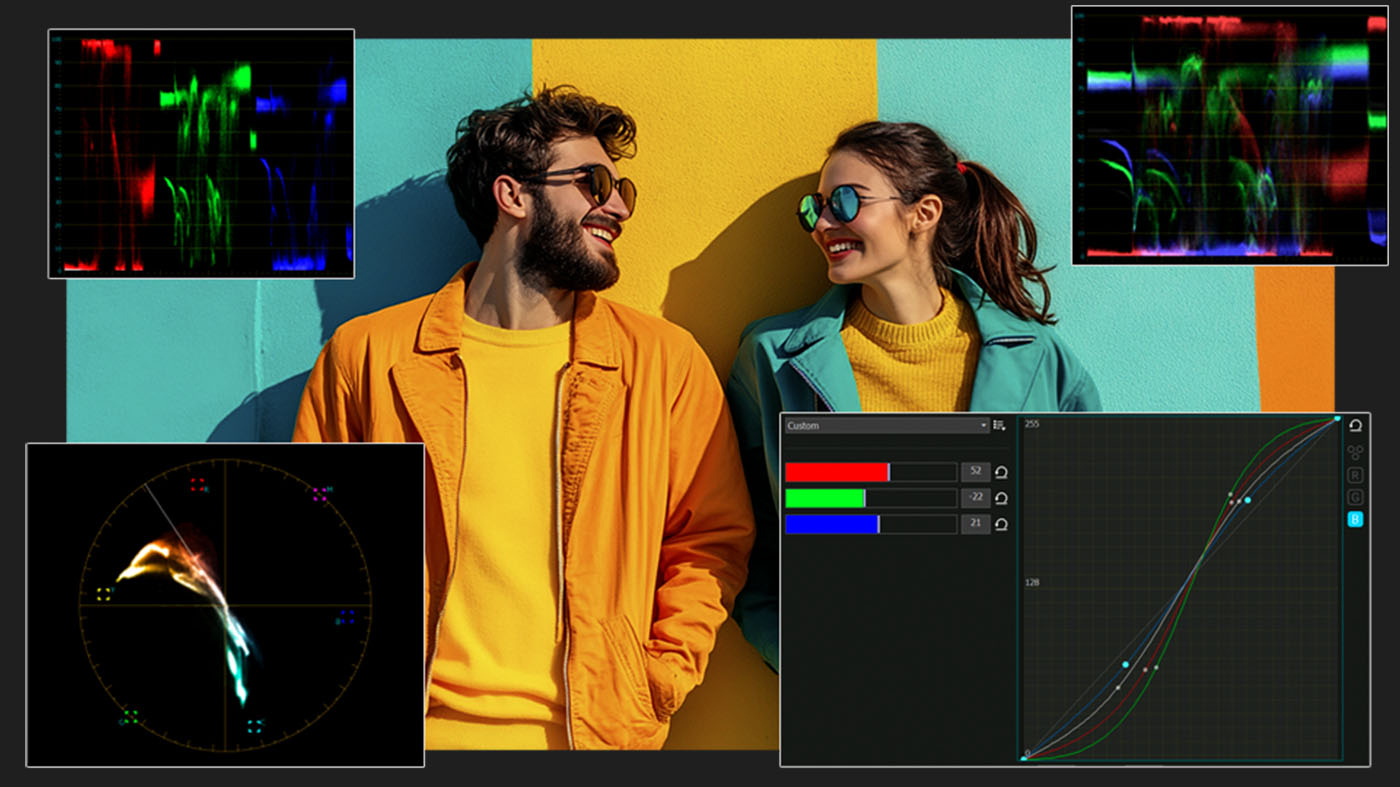
Unlike cluttered interfaces in premium software, VSDC keeps curves intuitive:
- Real-time previews for instant feedback, even in 4K.
- Preset LUT integration to jumpstart cinematic looks.
- GPU-accelerated performance for lag-free editing on any setup.
Why creators love it: Whether you’re fixing washed-out GoPro clips or adding mood to vlogs, curves give you the precision of high-end suites — without the complexity.
Добавление эффекта перехода между двумя видео
Добавление эффектов перехода непосредственно на таймлайне в одно движение. вОЗМОЖНОСТИ ВЫБОРА ИЗ ОГРОМНОЙ КОЛЛЕКЦИИ ШАБЛОНОВ ВИДЕО ПЕРЕХОДОВ, А ТАКЖЕ гибкий функционал по настройке и длительности самого перехода делает стыкование видео файлов в увлекательное действие. Получите идеально сшитые видео сцены.
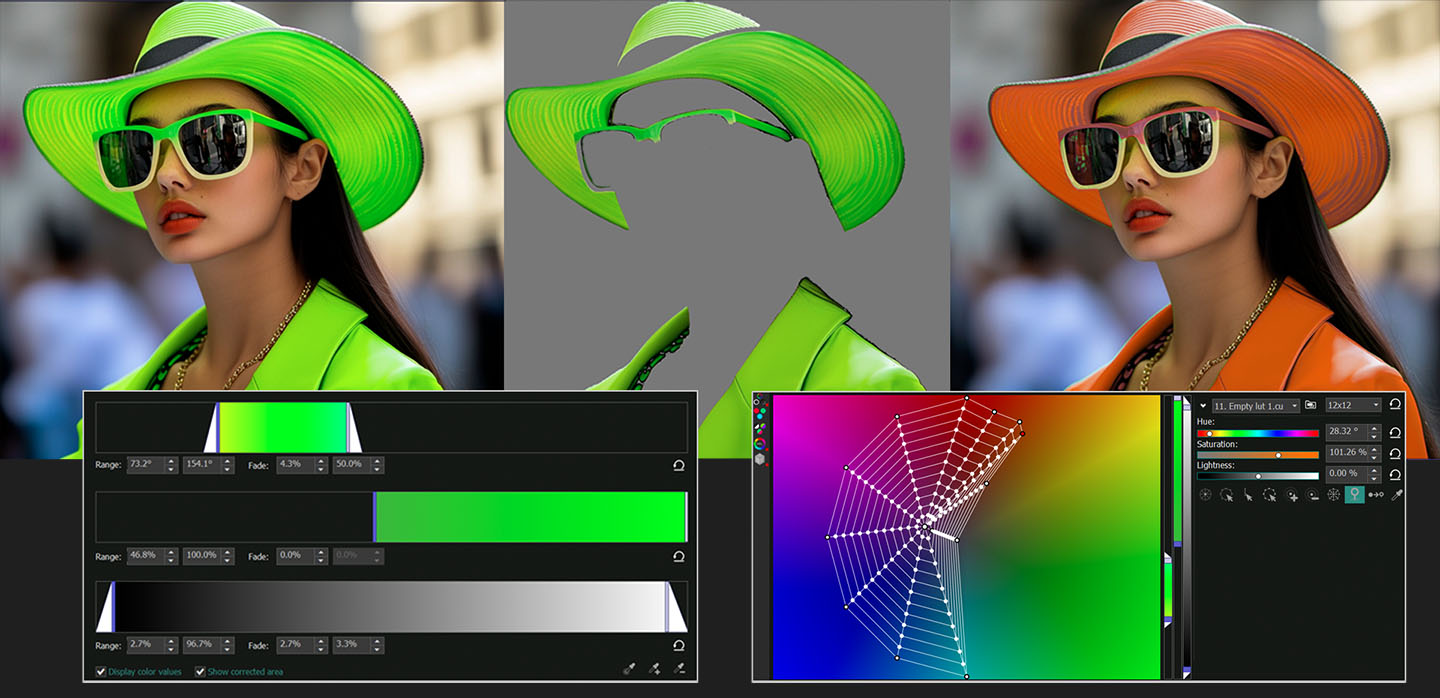
Create Custom Gradient Backgrounds with Full Color Control
The creative possibilities in VSDC Video Editor are endless — especially when it comes to designing gradient backgrounds. You can add as many color points as needed, fine-tune every shade individually and build smooth or dramatic transitions between hues. With the help of keyframes, your gradient background can shift and evolve over time, adding dynamic movement and atmosphere to your video.

Blend Gradients with Footage, Logos and More
Want to combine your custom gradient with a logo, an image or your original video footage? VSDC makes it easy. Simply apply composition modes to blend layers together and create striking visuals. And that’s not all — with VSDC keyframes you can animate each element and define exactly how the gradient shifts, evolves and interacts with other visuals over time. The result? Professional-looking scenes that feel unusual and truly yours.
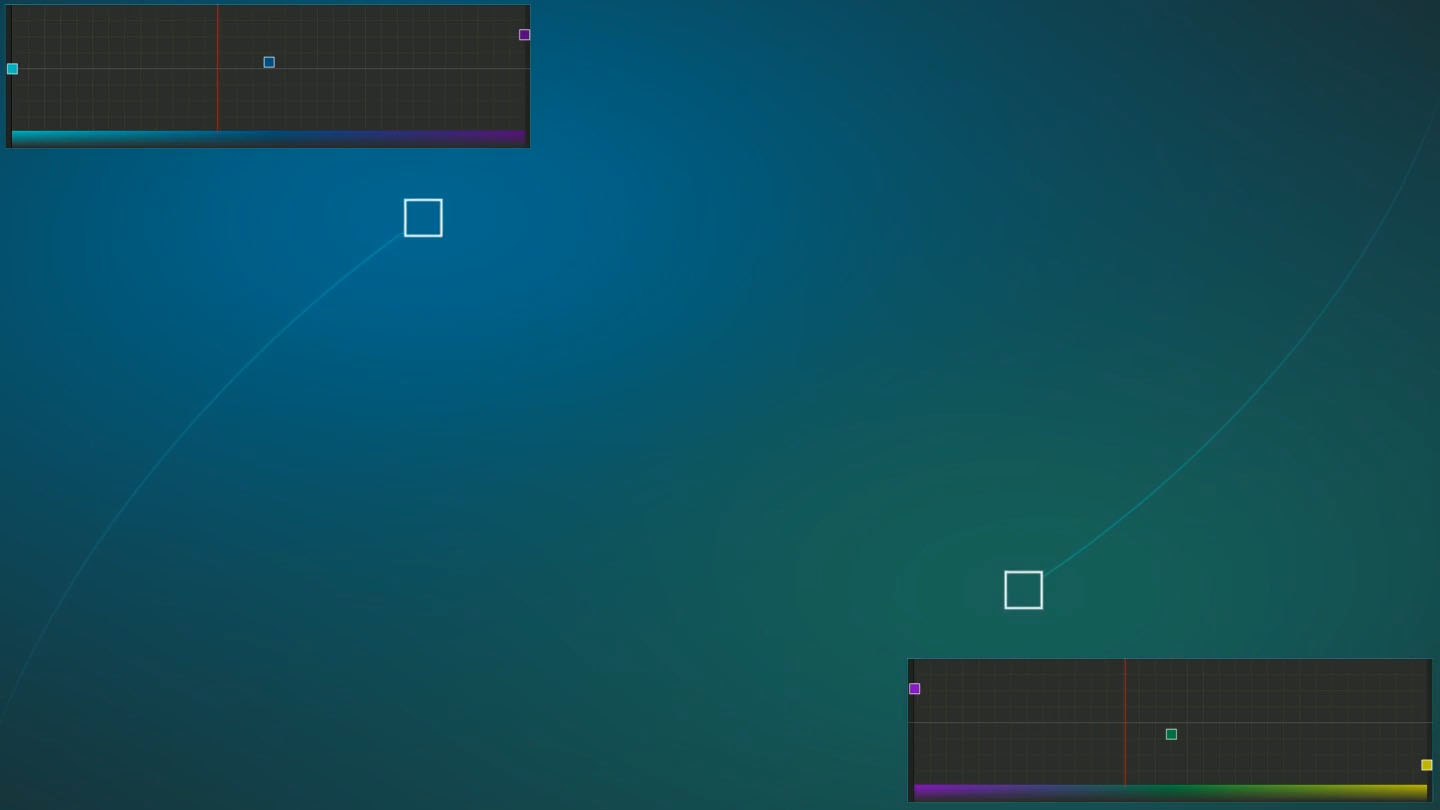

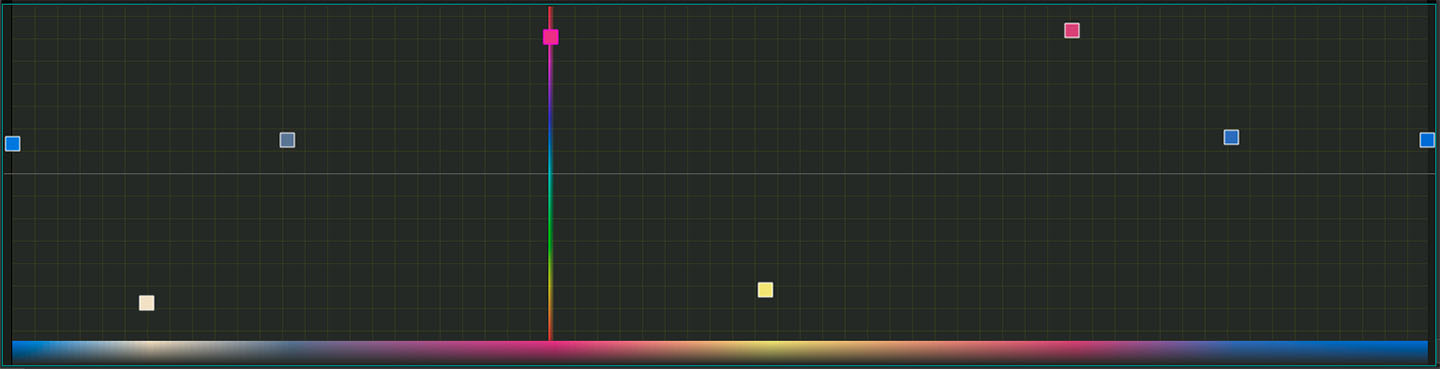
Unlike cluttered interfaces in premium software, VSDC keeps curves intuitive:
- Real-time previews for instant feedback, even in 4K.
- Preset LUT integration to jumpstart cinematic looks.
- GPU-accelerated performance for lag-free editing on any setup.
Why creators love it: Whether you’re fixing washed-out GoPro clips or adding mood to vlogs, curves give you the precision of high-end suites — without the complexity.

 Like us on Facebook
 Follow us on Twitter
Watch us on YouTube
 / @VSDCFreeVideoEditor
© 2011-2026, www.videosoftdev.com, FLASH-INTEGRO LLC. Privacy policy | Terms of use | About us
此处被引用的所有商标均为其各自所有者的专有财产。
只有获得网站管理员的书面许可,才能从本网站复制任何材料。